
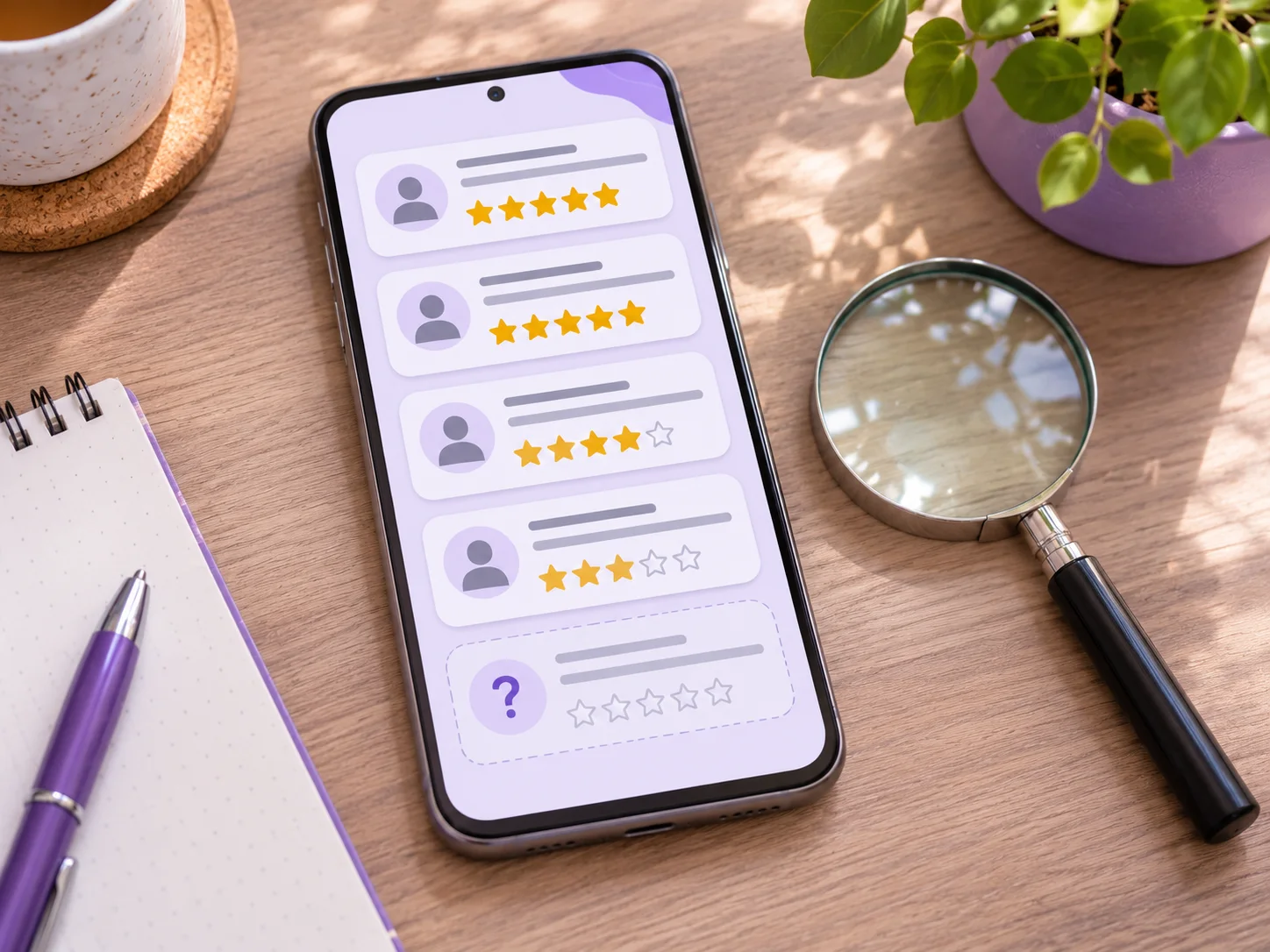
8 reasons Google reviews go missing
- 1It broke a Google policySpam, fake engagement, conflict of interest, incentives or inappropriate content. Google removes these, and doesn't restore them.
- 2It's still being checkedGoogle checks reviews against its policies. In some cases this takes a few days before a review appears.
- 3Business Profiles were mergedAfter a merge, reviews from both profiles can take a few days to show on Search and Maps.
- 4The customer's app is out of dateCustomers on older phones or software can have trouble posting. Google recommends updating Google Maps.
- 5Reviews are paused for the categoryGoogle can temporarily turn off reviews for some profiles or business categories to protect owners.
- 6It's a schoolReviews are disabled for profiles mainly categorised as schools for students aged 6 to 18.
- 7Unusual review patternsLots of reviews in a short time, in a pattern that looks like rating manipulation, can be removed.
- 8The reviewer deleted or moved itThe customer may have deleted it, edited it, or posted on a different branch or profile.
Reasons 1 to 7 come from Google's own help and policy pages, linked in the sources below.
What to do when reviews are missing
- 1
Wait a few days
A new review may still be going through Google's checks. - 2
Check the right profile
Look at the branch or profile the customer actually reviewed, especially after a merge. - 3
Ask the customer
They may have edited or deleted it, or not finished posting. Ask them to update Google Maps if they had trouble. - 4
Check against Google's policies
If the review mentioned a reward, or came from staff or family, it was likely removed and won't come back. - 5
Contact Google Business Profile support
If many reviews vanished at once, or reviews stopped showing altogether, contact support with your profile details and dates.
Replace lost reviews the right way
Ask every customer with a free review QR code and link. Real reviews from real visits are the ones that stay.
How to keep your reviews safe
- Ask every real customer with a direct link or QR code, in the same way.
- Never offer rewards, and never ask staff, friends or family to review you.
- Keep a steady pace rather than a sudden burst from one campaign.
- Let customers write their own words from their own Google account.
Google's rules: Google's policies prohibit paid or incentivised reviews, reviews with a conflict of interest, and unusual review patterns meant to manipulate a rating.
Common mistakes
- Asking customers to post again and againIf it was removed for a policy reason, reposting won't help.
- Replacing lost reviews with fake onesThat's exactly what Google removes, and it can make things worse.
- Running a “review for a discount” offerIncentivised reviews are removed.
- Panicking after a few daysSome reviews are only delayed by checks.
Customers having trouble posting? Share how to write a review on Google.