
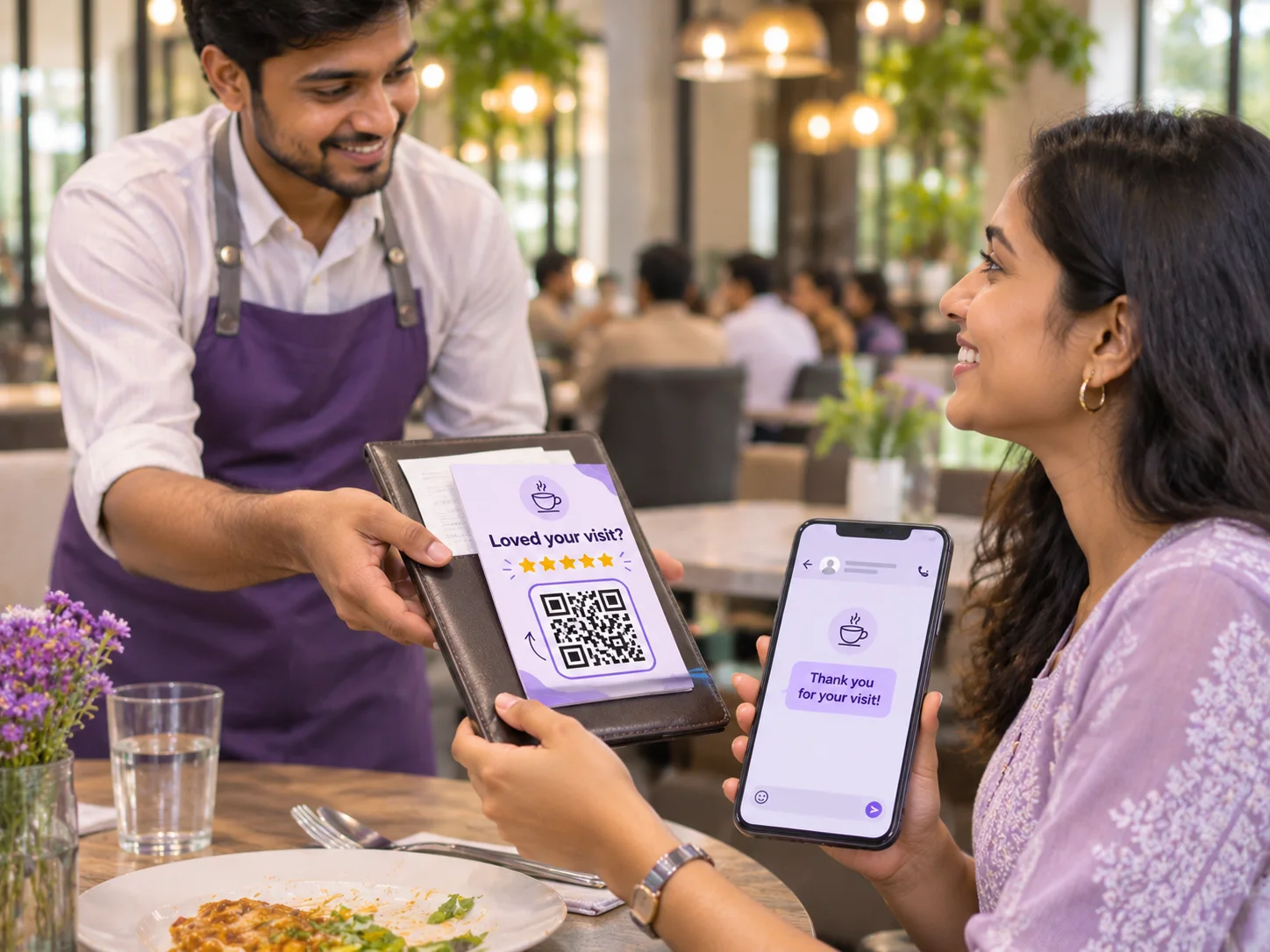
When to ask for a Google review
Timing matters more than wording. Ask while the experience is fresh and the customer is still with you, or soon after.
Good moments
- When they pay or get the bill
- When they thank you or compliment you
- When a job is finished: a haircut, a repair, a treatment
- When they pick up an order
- The same day or next day, by message
Bad moments
- Before the service is done
- While they're busy, rushing or on a call
- Right after a problem, before it's fixed
- Weeks later, when they've forgotten
- Again and again by message
How to ask, step by step
- 1
Get your direct review link
So nobody has to search for you. How to get your Google review link. - 2
Make a QR code for in person
Put it on the counter, tables or bill. Free printable review cards. - 3
Ask in one sentence
At a good moment, smile and keep it light. Point to the code. - 4
Follow up once by message
A short thank-you with the link, by WhatsApp, SMS or email. - 5
Thank them either way
Whether they review or not, and whatever they write.
What to say in person
Pick one that sounds like you. Say it once, then let it go.
At the bill
Café or restaurant
If you enjoyed it, a quick Google review really helps us. The code is right here on the table.
After the service
Salon, clinic or repair
Glad you're happy with it! If you have a minute, a Google review helps other people find us. Just scan this.
After a compliment
Any business
Thank you, that means a lot! Would you mind saying that on Google? It really helps a small business like ours.
Message templates for WhatsApp, SMS and email
Replace the words in [brackets]. Keep the customer's name and your business name, and send each message once.
Thank-you message
Hi [Name], thank you for visiting [Business] today! If you have a minute, we'd love to hear how it went on Google: [review link] It really helps us. Thank you!
SMS
Short and simple
Thanks for visiting [Business], [Name]! Tell us how it went on Google: [review link]
After a booking or order
Subject: How was your visit to [Business]? Hi [Name], Thank you for choosing [Business]. We'd really value your feedback. If you have a minute, you can leave a review on Google here: [review link] Thanks again, [Your name]
Send these messages in one tap
In your free dashboard, each message comes with your own review link filled in and opens straight in WhatsApp, SMS or email.
Common mistakes
- Offering something for a reviewDiscounts or freebies for reviews are prohibited by Google.
- Asking only happy customersSelective asking isn't allowed. Ask everyone the same way.
- Pressuring people on the spotGoogle says not to pressure customers to review while on the premises. Ask, then let it go.
- Asking staff, friends or familyReviews with a conflict of interest are prohibited.
- Telling people what to writeLet customers describe their own experience.
- Long messages and remindersOne short message is enough. More feels like spam.