
Digital Card · Free
Free digital business card with your own QR code
A digital visiting card for your business: one link and QR code with one-tap call, WhatsApp and directions, your social links, opening hours, a menu or price list with photos, and your rating. Print it in one of 16 QR designs, share it anywhere and update it any time.
- No app for customers
- Menu with photos
- 16 QR designs
- Update without reprinting
Everything customers need on one digital visiting card
Built for phones first. Every button works with one tap, and the page loads fast on any connection.
One-tap contact buttons
Call, WhatsApp, email, Google Maps directions and your website, as big buttons customers can't miss.
Social links with official logos
Instagram, Facebook, YouTube, X and LinkedIn, plus your own links like a menu, catalogue or booking page.
Hours with “Open now”
Your weekly opening hours, with a live Open now or Closed badge in your local time.
Menu or price list
Dishes, products or services with prices in your currency, item photos and Veg / Non-veg / Egg marks, grouped into sections.
Cover and gallery photos
A cover photo across the top of your card, plus a gallery of up to 12 photos of your place, food or work.
16 printable QR designs
From Royal and Dinner plate to Neon and Ticket, with your logo, colour and words. Print them for tables, counters and flyers.
Rich WhatsApp previews
Shared links show your name, logo and buttons as a preview in WhatsApp, Instagram and Facebook.
Views and taps
See how many people open your card, how many come from the QR code, and which buttons they tap.
Found on Google
Each card is a fast, search-friendly page with your business details, so it can help people find you.
New · Optional
Your menu or price list, right on your card
A digital menu card on the same link as your contact buttons. Customers scan one QR code and see what you offer, what it costs and how to reach you. Change a price in seconds, without reprinting.
Sections and search
Group items into sections like “Hot drinks” or “Hair”. Customers tap a section, or search when the list is long.
A photo for every item
Show what each dish, product or service looks like. Photos are shrunk automatically so the card stays fast.
Veg, Non-veg and Egg marks
The familiar food marks next to each dish, so customers find what they eat at a glance.
Menu, Services, Price list or Products
Name it to fit your business: a café menu, a salon's services, a clinic's price list or a shop's products.
Any country, any currency
Pick your currency once and type prices as plain numbers. The right symbol is added for you.
- ₹120
- $4.50
- €3.90
- £3.20
- AED 15
- $6.80
Menu
7 itemsChai & coffee
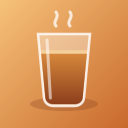
Masala chai
₹30Ginger, cardamom, slow-boiled
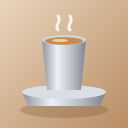
Filter coffee
₹40South Indian style, in a steel tumbler
Snacks
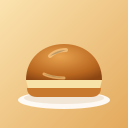
Bun maska
₹45Soft bun, lots of butter

Egg puff
₹35Flaky pastry, spiced egg
Veg Non-veg EggTap a section to try it
16 printable QR code designs
For your counter, tables, menus, visiting cards and packaging. Each design uses your logo, your colour and your own words. Download a PNG or SVG, or print straight away.
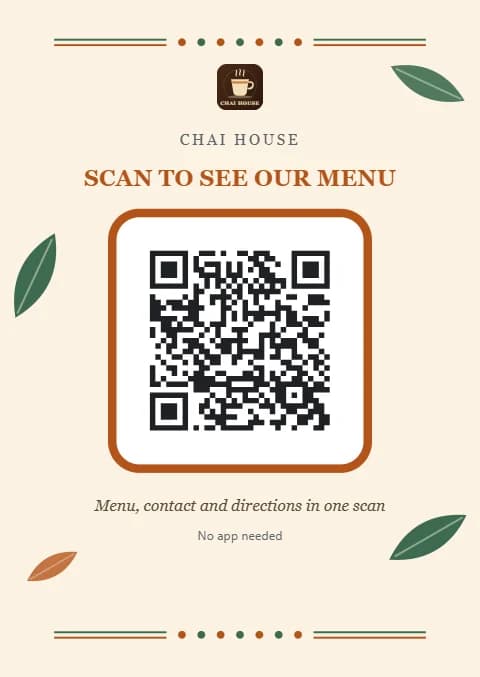
Heritage
Warm paper card with ornaments and leaves, like a café table stand
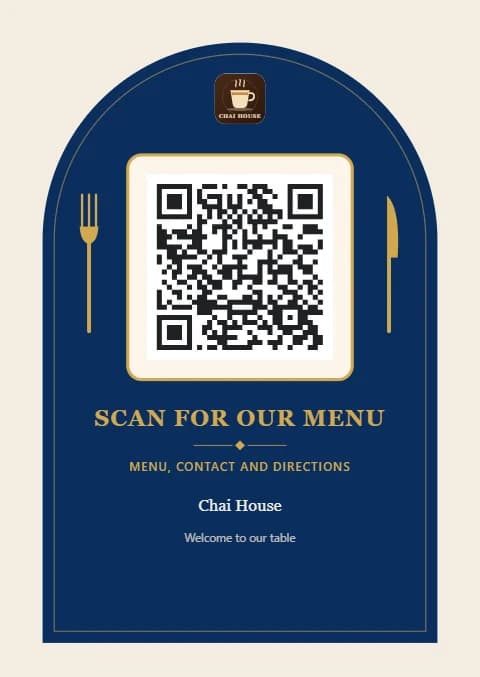
Royal
Dark arch with gold cloche, cutlery and frame
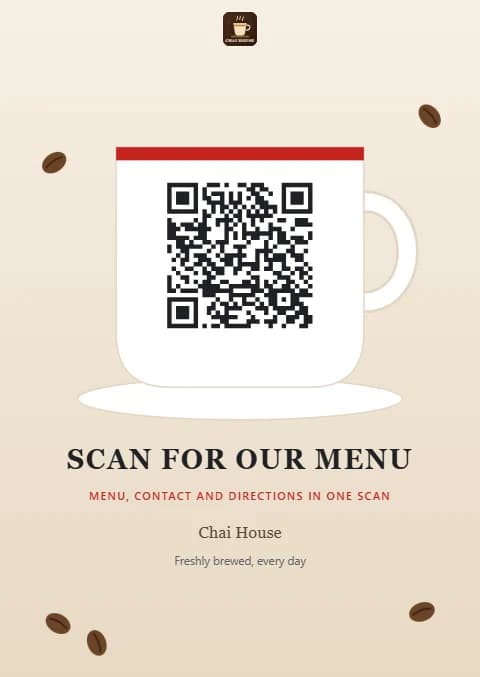
Coffee cup
QR in a coffee cup with steam and beans
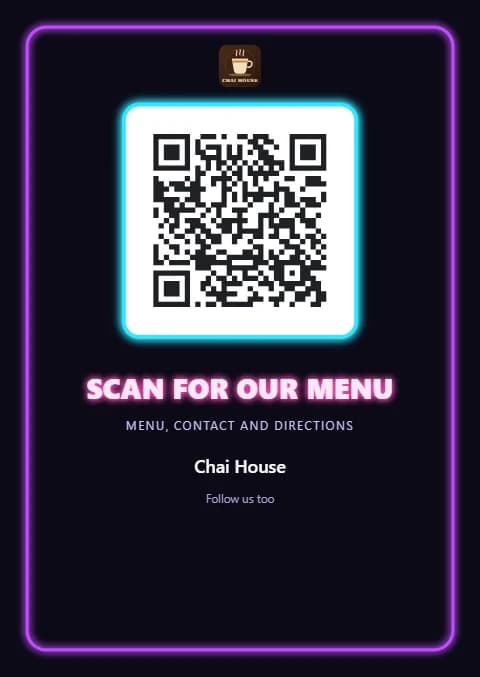
Neon
Glowing neon frame on a dark card
And 12 more, from minimal and classic to dark, ticket and wooden board styles.
- Your logo and colour
- Your own headline
- Add a photo of your place
- PNG, SVG or print
How to create a digital business card in 3 minutes
No design skills needed. Fill in what you have; everything else can wait.
- 01
Sign up free
Create your account and choose Digital Card on your dashboard.
- 02
Add your details
Phone, WhatsApp, email and address, then links, hours, your menu and photos.
- 03
Publish
Your card goes live at its own link. You can unpublish or edit it any time.
- 04
Share and print
Send the link on WhatsApp, pick one of 16 QR designs and print it.
Digital visiting card vs paper card
Keep your paper cards if you like; put the QR on them so they never go out of date.
| Paper card | Digital card | |
|---|---|---|
| Update details without reprinting | ||
| One-tap call, WhatsApp and directions | ||
| Social links, hours, menu and photos | Little space | |
| Change menu prices any time | Reprint | |
| Share on WhatsApp and Instagram | ||
| See how many people view and tap | ||
| Cost | Printing each time | Free |
A QR code business card for every local business
Anywhere customers ask “What's your number?” or “Are you open?”.
Cafés and restaurants
Your full menu with photos and veg marks, hours, WhatsApp and directions, all from the table QR.
Salons and spas
Services with prices, photos of your work and a WhatsApp button to book.
Clinics and doctors
Timings, call button, directions and services, easy for every patient.
Shops and retail
Catalogue link, Instagram, store hours and a WhatsApp button for orders.
Gyms and studios
Plans and prices, class timings and an easy way to call or message.
Hotels and homestays
Directions, booking link, photos and a direct line for guests.
Freelancers and services
Plumbers, tutors, photographers: one link to share instead of a paper card.
Questions,
answered
Everything about creating, sharing and updating your free digital business card.
Still have a question? Contact us
What is a digital business card?
A digital business card (or digital visiting card) is a mobile page with everything people need to reach your business: one-tap call, WhatsApp, email and directions, your social links, opening hours, your menu or services, and photos. You share it as a link or a QR code instead of a paper card.
Is the digital business card really free?
Yes. GrowYourReview's digital card is free during early access, including the QR code, the editor and the view and tap statistics. No card details are needed to sign up.
How do I share my digital visiting card?
Send the link on WhatsApp, add it to your Instagram bio or Google Business Profile, or print the QR code on your counter, visiting cards, menus and flyers. When someone shares it, WhatsApp shows a preview with your name and logo.
Can I change my details after printing the QR code?
Yes. The QR code always opens your card's link, so you can update your phone number, hours, menu, prices or photos any time without reprinting anything.
Do customers need an app to open the card?
No. They scan the QR with their normal phone camera or tap the link, and the card opens in the browser. Calls, WhatsApp messages and directions open in their own apps.
Can I see how many people view my card?
Yes. Your dashboard shows card views, how many came from the QR code, and how many people tapped Call, WhatsApp, Directions, your website or each of your links.
Can I add my menu or price list to the digital card?
Yes, and it's optional. Add dishes, products or services with prices and a short description, group them into sections like “Hot drinks” or “Hair”, and add a photo and a Veg, Non-veg or Egg mark to each item. Call it Menu, Services, Price list or Products. Customers can search it and filter by section, and you can change prices any time without reprinting your QR code.
Can I use it as a QR code menu for my restaurant or café?
Yes. Turn on the menu, add your dishes with prices and photos, and print one of the restaurant QR designs (Royal, Dinner plate, Coffee cup, Wooden board and more) for your tables. Customers scan it and see your menu with your contact buttons, hours and directions. When prices change, edit them online; the printed QR stays the same.
Can I show prices in my own currency?
Yes. Pick your currency once from 30 common ones, like ₹ Indian rupee, $ US dollar, € Euro, £ British pound or AED, and type prices as plain numbers like 120 or 80-150. The symbol is added for you. Text like “From 80” or “Free” is shown exactly as typed.
What QR code designs can I print?
There are 16 ready-made printable designs: Heritage, Luxe, Vibrant, Minimal, Classic, Bold, Photo, Royal, Botanical, Dinner plate, Coffee cup, Wooden board, Neon, Ticket, Dark and Friendly. Each one uses your logo, your colour and your own wording, and some can show a photo of your place. Download it as a PNG or SVG, or print it directly.
Can I use the digital card together with AI Reviews?
Yes. Both are free and live in the same account. Use the digital card to help customers reach you, and AI Reviews to help them leave a Google review after their visit.
Also free
Get more Google reviews too
A review QR code and an AI review writer that turns customers' own words into Google reviews.
Free for local businesses
Your digital business card, live in minutes
Add your contact buttons, hours, menu and photos, then share one link and QR code on WhatsApp, Instagram and your counter.
- Free during early access
- No card needed
- Set up in 2 minutes
Already have an account? Log in