
Answer 6 min read Updated

How do you get more Google reviews?

Short answer

Ask every customer who has actually used your business to share their experience on Google, and make it take seconds. Put your Google review link or QR code where visits end (the counter, table or bill) and send the link in a short thank-you message after the visit. Google itself suggests asking customers with a review link or QR code.

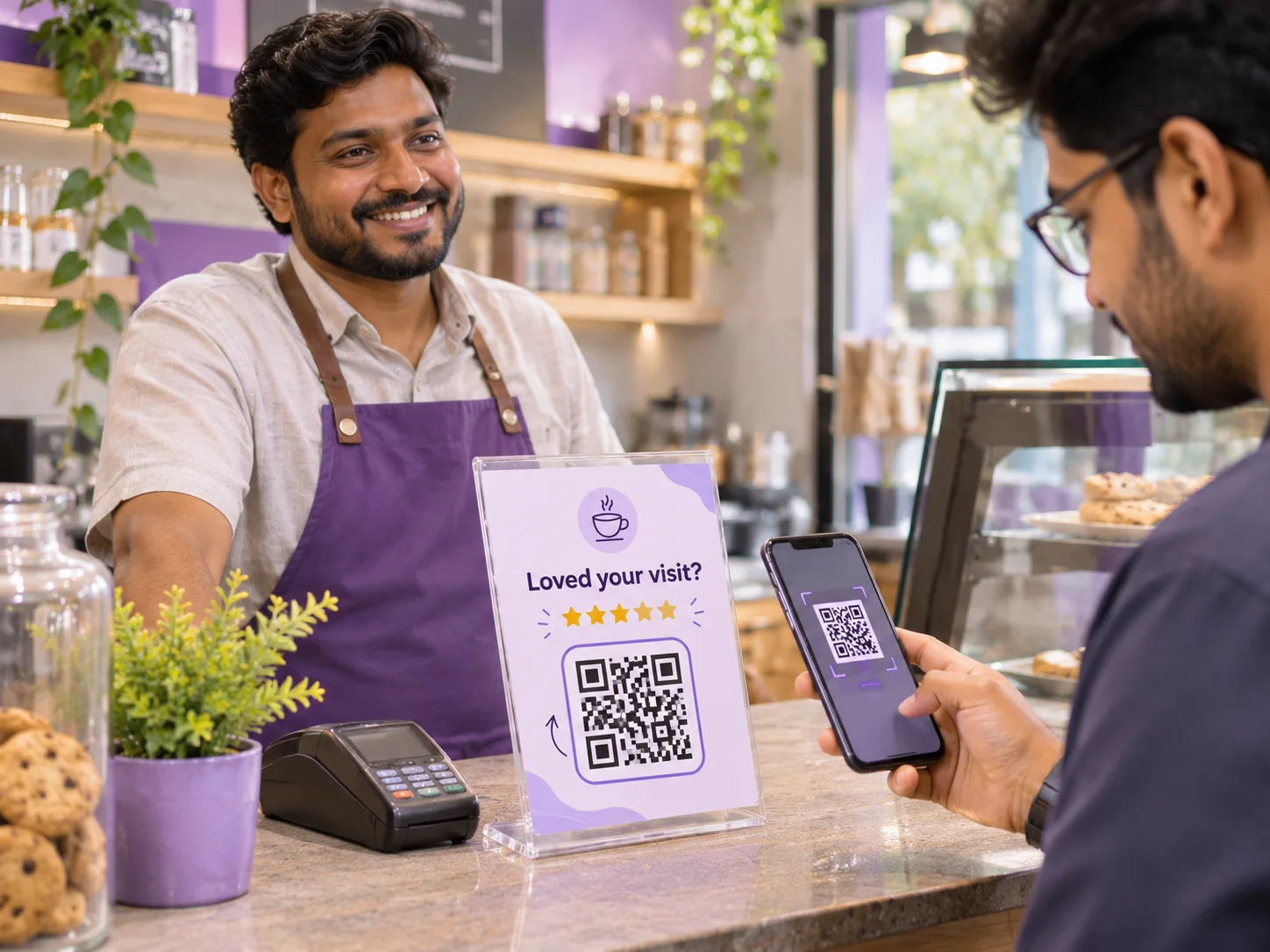
A café owner smiling at the counter while a customer scans a “Loved your visit?” review QR code next to the card machine

Key points

  • 1Most customers don't review because nobody asked.
  • 2Ask at the end of the visit, in person and by message.
  • 3Use a direct link or QR code, not “search for us on Google”.
  • 4Never offer rewards, and ask everyone, not only happy customers.

Why customers don't leave reviews

Happy customers rarely leave reviews on their own. It isn't that they don't care: they forget, they don't know where to click, or they open Google and don't know what to write. Each of those is a small barrier, and the fix for all of them is the same: ask at the right moment and make it easy.

Reviews also matter for being found. Google says local results are based on relevance, distance and prominence, and that more reviews and positive ratings can help your local ranking. Replying to reviews shows that you value feedback too.

How to get more Google reviews in 8 steps

  1. 1

    Get your Google review link

    Open your Business Profile and choose “Ask for reviews”, or build the link from your Place ID. How to get your review link.
  2. 2

    Turn it into a QR code or card

    Customers in your shop scan; customers at home tap a link. Print a free review card.
  3. 3

    Put it where visits end

    The billing counter, each table, the bill folder, the reception desk or a salon mirror. Within reach, at eye level.
  4. 4

    Ask in person, in one sentence

    “If you enjoyed it, a Google review really helps us. The code is right here.” Short, friendly, no pressure.
  5. 5

    Follow up with a message

    Send the link in a thank-you WhatsApp, SMS or email within a day. Once is enough.
  6. 6

    Make writing easy

    Many people stop at an empty text box. Quick prompts, or an AI review writer that drafts from their own answers, help them finish.
  7. 7

    Reply to every review

    Thank happy customers and answer complaints calmly. See how to respond to negative reviews.
  8. 8

    Track what works

    Count scans, link visits and reviews each week, so you know which spot and which message brings reviews.
Google's rules: Never offer discounts, gifts or anything else for a review, and ask every customer, not only the ones who look happy. Both are against Google's policies, and reviews gained that way can be removed.

Set up steps 1 to 6 in about 2 minutes

Get your review link, a printable QR code and AI writing help for customers in one free account.

Set it up free

Examples by type of business

Illustrations of a simple setup for different businesses. Adjust the place and the wording to yours.

Café or restaurant

A QR table tent on every table and the code on the bill. Staff say one line when they bring the bill.

Salon or spa

A small stand at each mirror. The review link goes in the booking confirmation and a thank-you message after the visit.

Clinic or dentist

A card at the reception desk at check-out, and the link in the appointment follow-up message.

Shop

A QR stand next to the card machine, and a small card in the bag for bigger purchases.

Need the exact words? See how to ask customers for Google reviews, with ready-to-send WhatsApp, SMS and email messages.

Common mistakes

  • Waiting for reviews to comeMost happy customers never think of it. Ask every time.
  • “Search for us on Google”Every extra step loses people. Give a direct link or QR code.
  • Offering a rewardDiscounts or freebies for reviews break Google's rules.
  • Asking only happy customersGoogle doesn't allow selective asking. Ask everyone.
  • Asking too oftenOne reminder is enough. Repeated messages annoy customers.
  • Ignoring bad reviewsA calm, helpful reply shows future customers you care.
How many reviews do you need?Free calculator: reviews needed to reach your target rating, step by step.GrowYourReview does steps 1–8 for you, freeA review QR code and link, an AI writer for customers, private feedback and a dashboard.

Questions,
answered

Short answers to the questions people ask next.

Still have a question? Contact us

What is the fastest way to get more Google reviews?

Ask every customer at the end of their visit, and give them a direct way to review you: a QR code on the counter or table, or your review link in a WhatsApp or SMS thank-you message. Most people don't review simply because nobody asked and finding the review button takes too long.

Do more Google reviews help my ranking?

Yes, they can. Google says local ranking is based on relevance, distance and prominence, and that more reviews and positive ratings can help a business's local ranking.

Can I pay for Google reviews or offer a discount?

No. Google's policies prohibit paying for reviews and offering incentives such as discounts or free items in exchange for reviews. Reviews posted because of an incentive can be removed.

Do customers need a Google account to leave a review?

Yes. Customers need to be signed in to a Google Account to post a review. They can create one with any email address, not only Gmail.

Should I ask only happy customers?

No. Google's policies don't allow selectively asking only happy customers for reviews. Ask everyone, and handle complaints well: an honest mix of reviews with good replies builds trust.

Free for local businesses

Ask every customer, starting today

GrowYourReview does all 8 steps with you: a review QR code and link, AI writing help for customers, private feedback and a dashboard that shows what works.

  • Free during early access
  • No card needed
  • Set up in 2 minutes
Start getting more reviews

Already have an account? Log in