
Cafés & restaurants
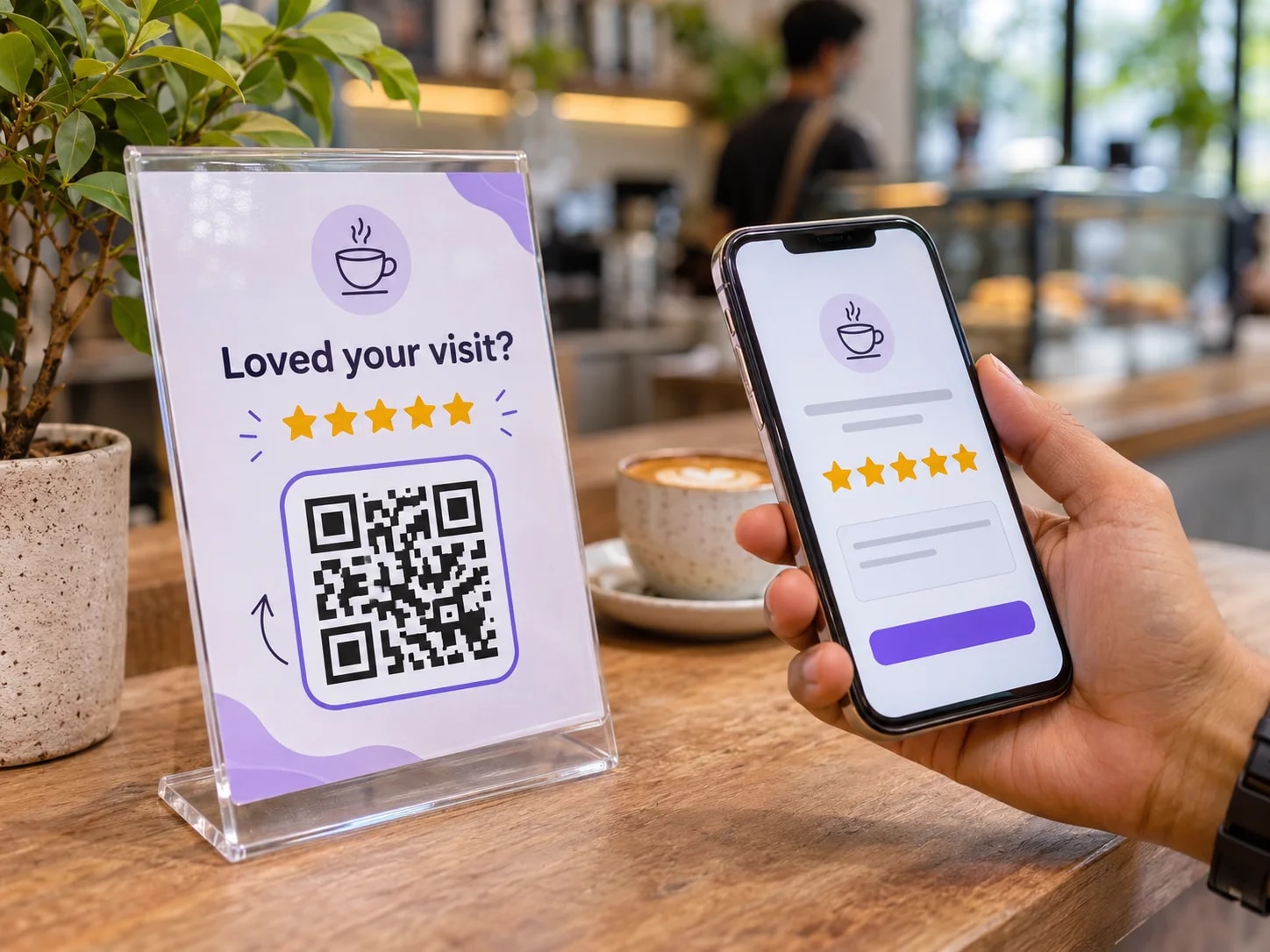
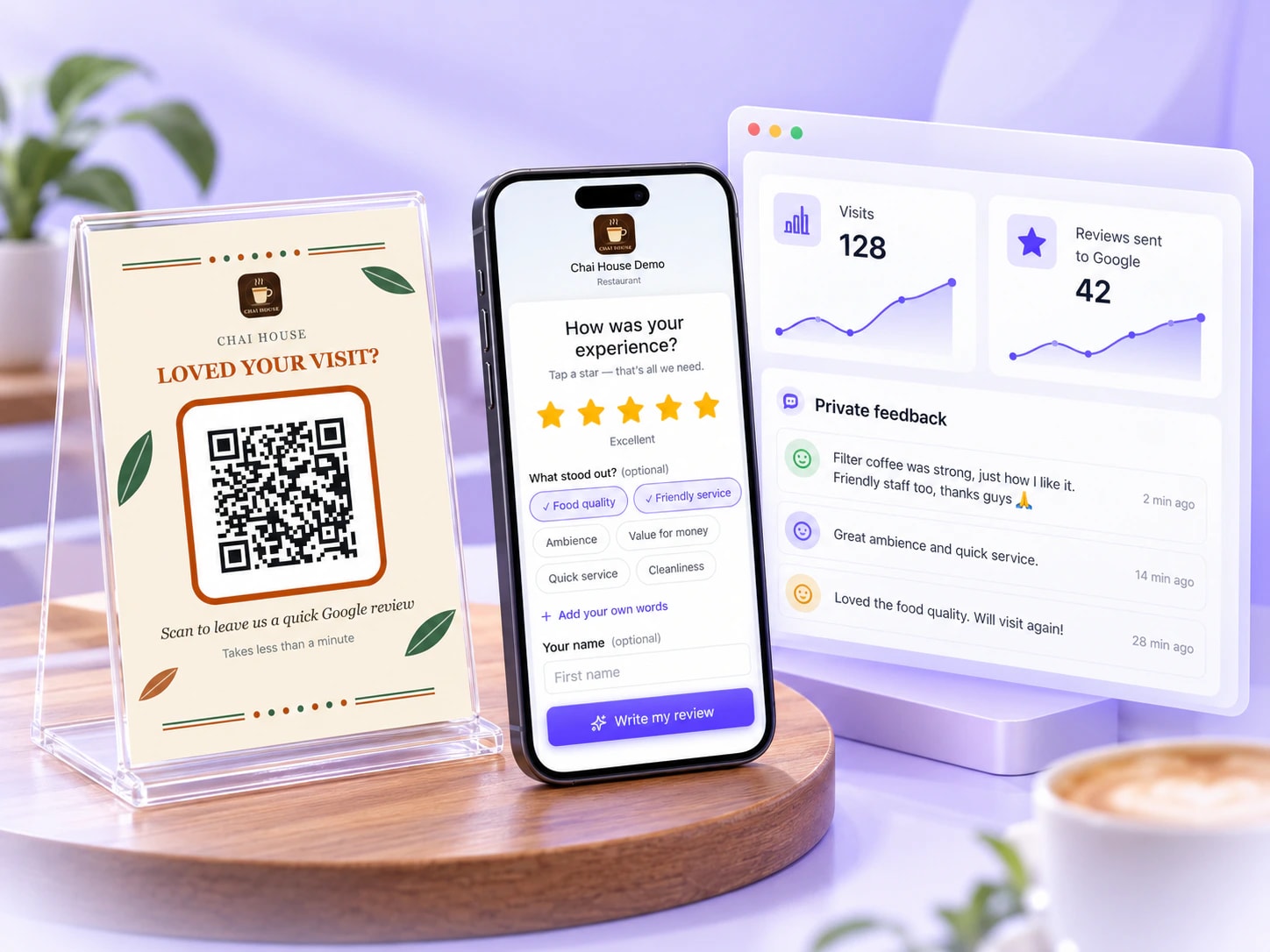
- Table tents on every table
- The bottom of the bill
- Menus and takeaway bags
- The billing counter
Free · 16 printable designs
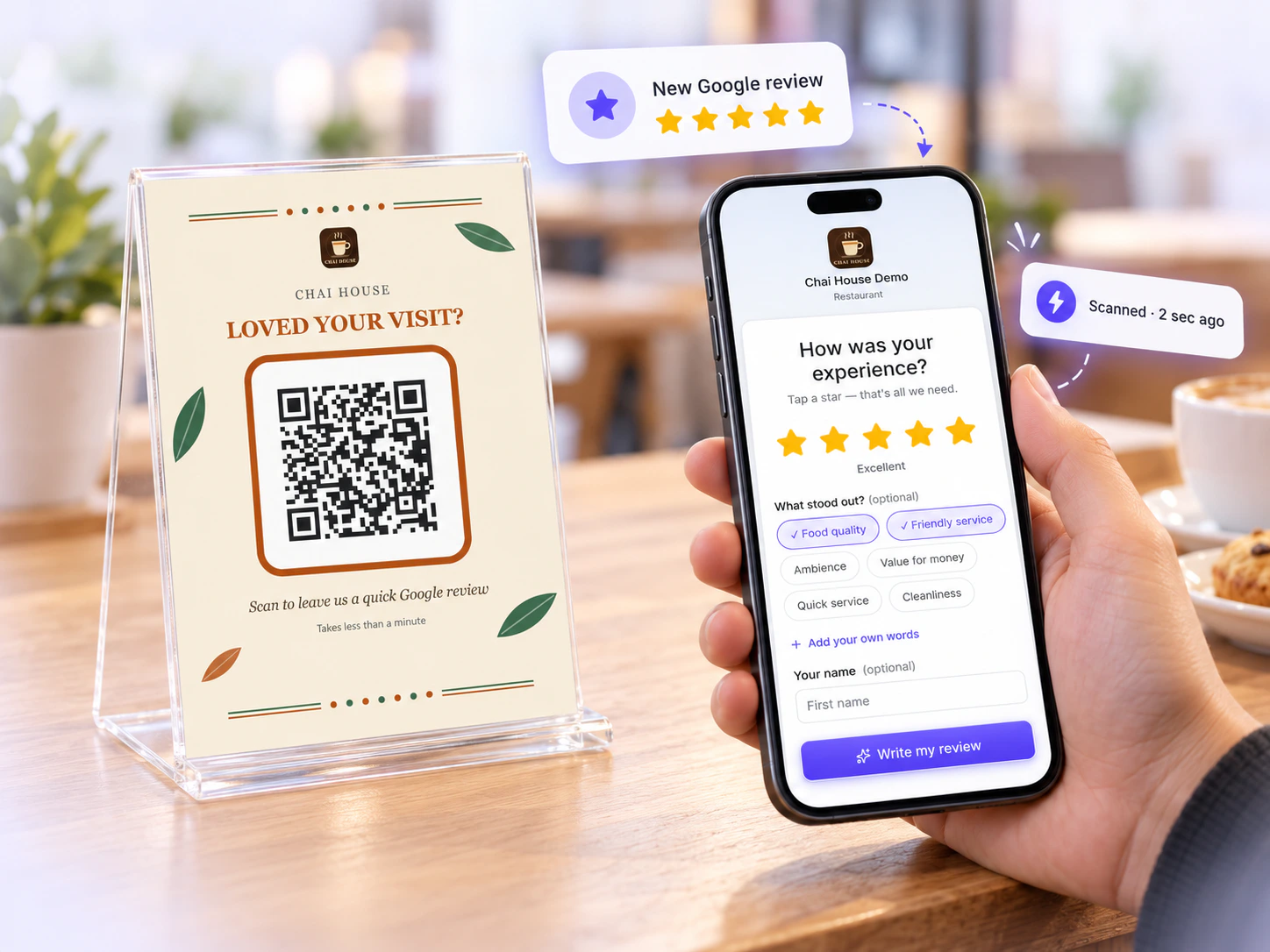
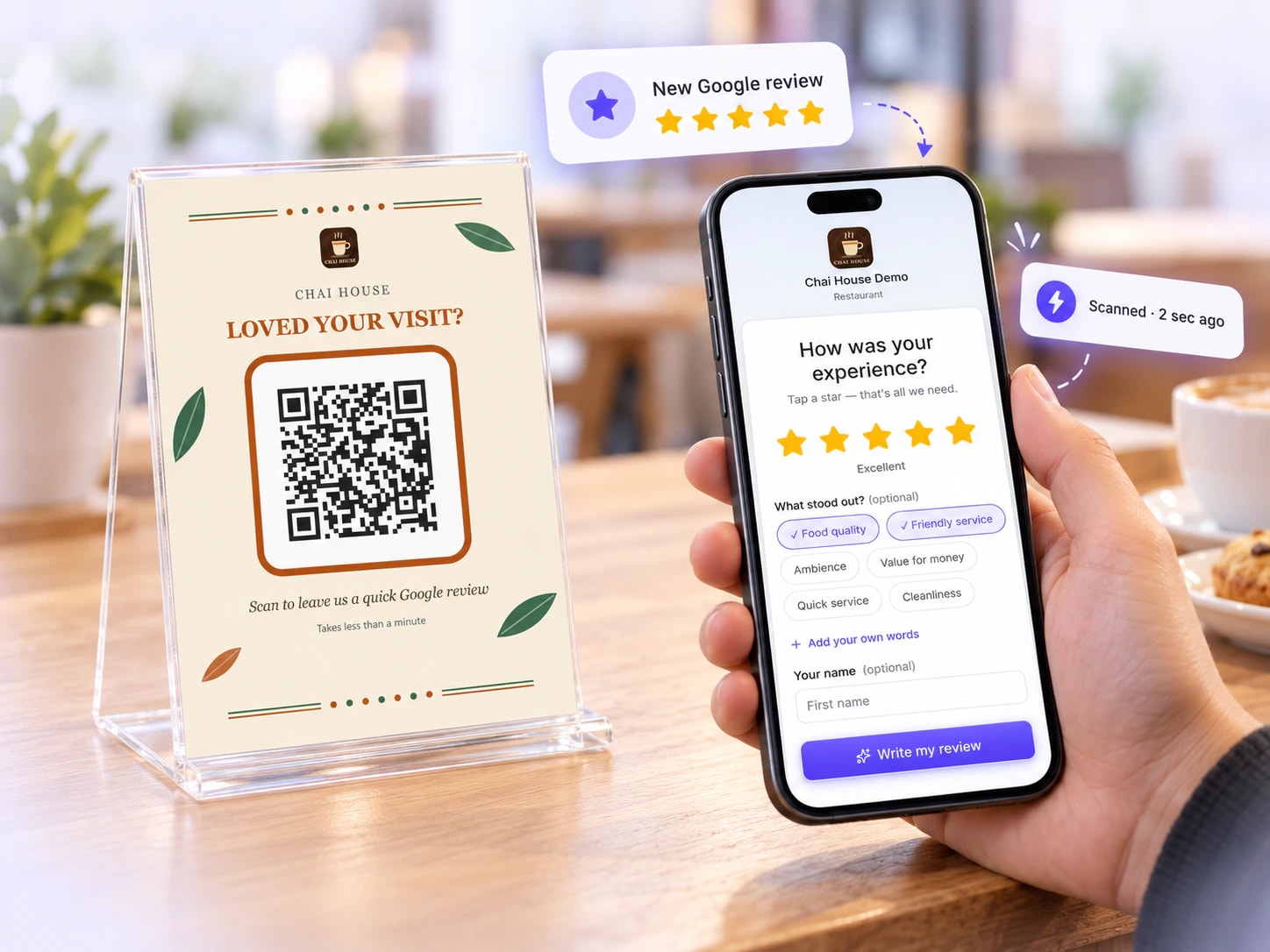
Put one QR code on your counter, tables or bills. Customers scan it with their phone camera, rate their visit, and post a Google review in their own words, with an AI writing assistant to help.
Quick answer
Get your Google review link (or your Place ID), turn it into a QR code and print it where customers finish their visit. With GrowYourReview it's free and takes about 2 minutes: sign up, paste your link, pick one of 16 printable designs, and download it as PNG or SVG or print it on A5. Customers scan it with their phone camera, with no app needed.
A Google review QR code is a printed code that opens your business's review page when a customer scans it with their phone camera. No searching for your business, no scrolling to the reviews, no hunting for the “Write a review” button.
Placed where customers finish their visit, it asks while the experience is fresh, so more happy customers actually leave the review they meant to leave.
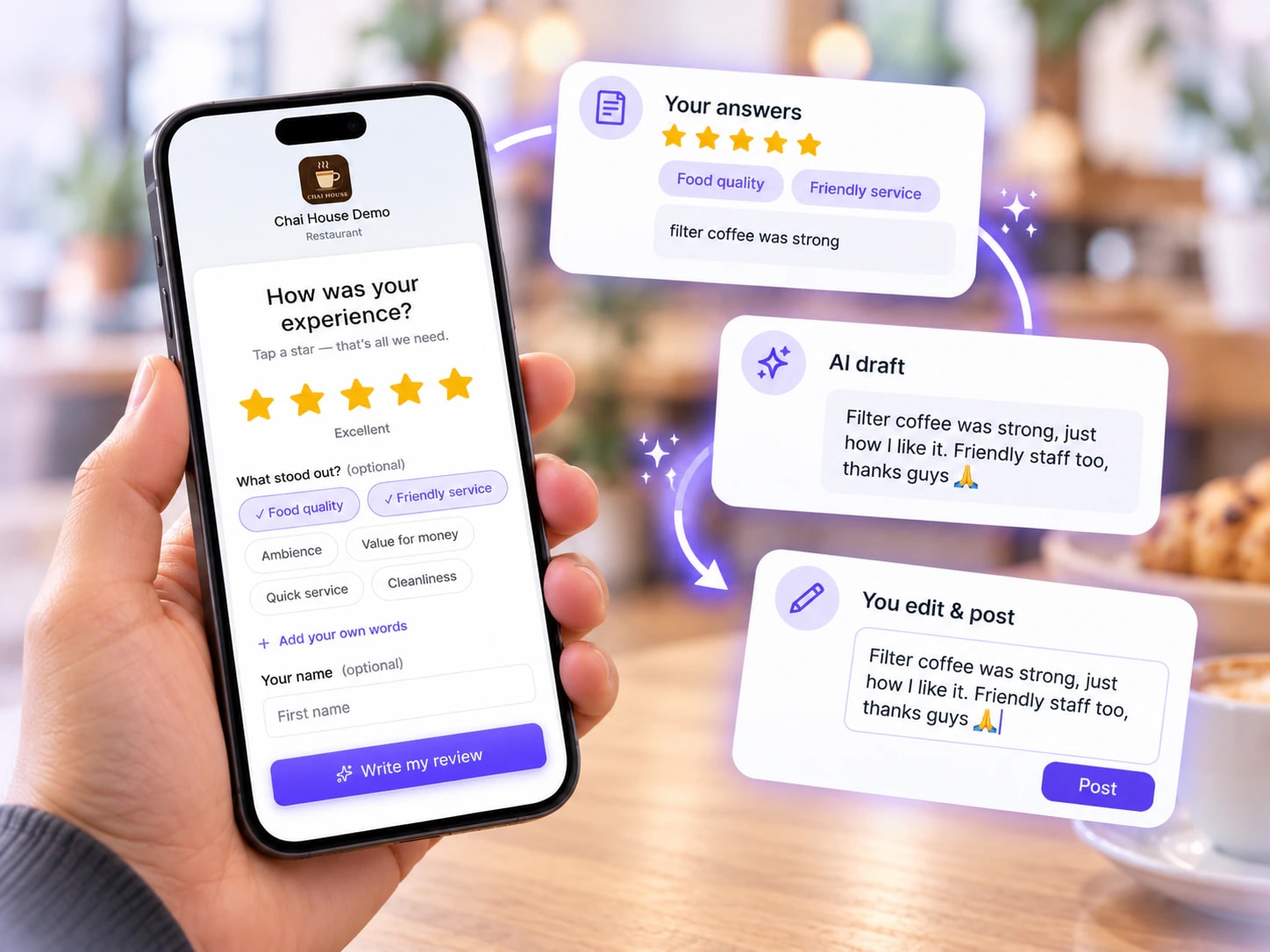
GrowYourReview's code adds one friendly step: customers tap a rating and what they liked, and an AI writing assistant turns their own answers into a draft they edit and post.
Without a QR code
4 steps and an empty box. Most people give up.
With a QR code
One scan
and they're rating their visit
What your customer sees, step by step. Most people are done in under a minute.
01 /
The customer points their phone camera at the code and taps the link that appears. On iPhone it's the Camera app; on Android, the camera or Google Lens.
Your review page opens in the browser: no app, no login, and quick even on a weak connection.
Opens with
02 /
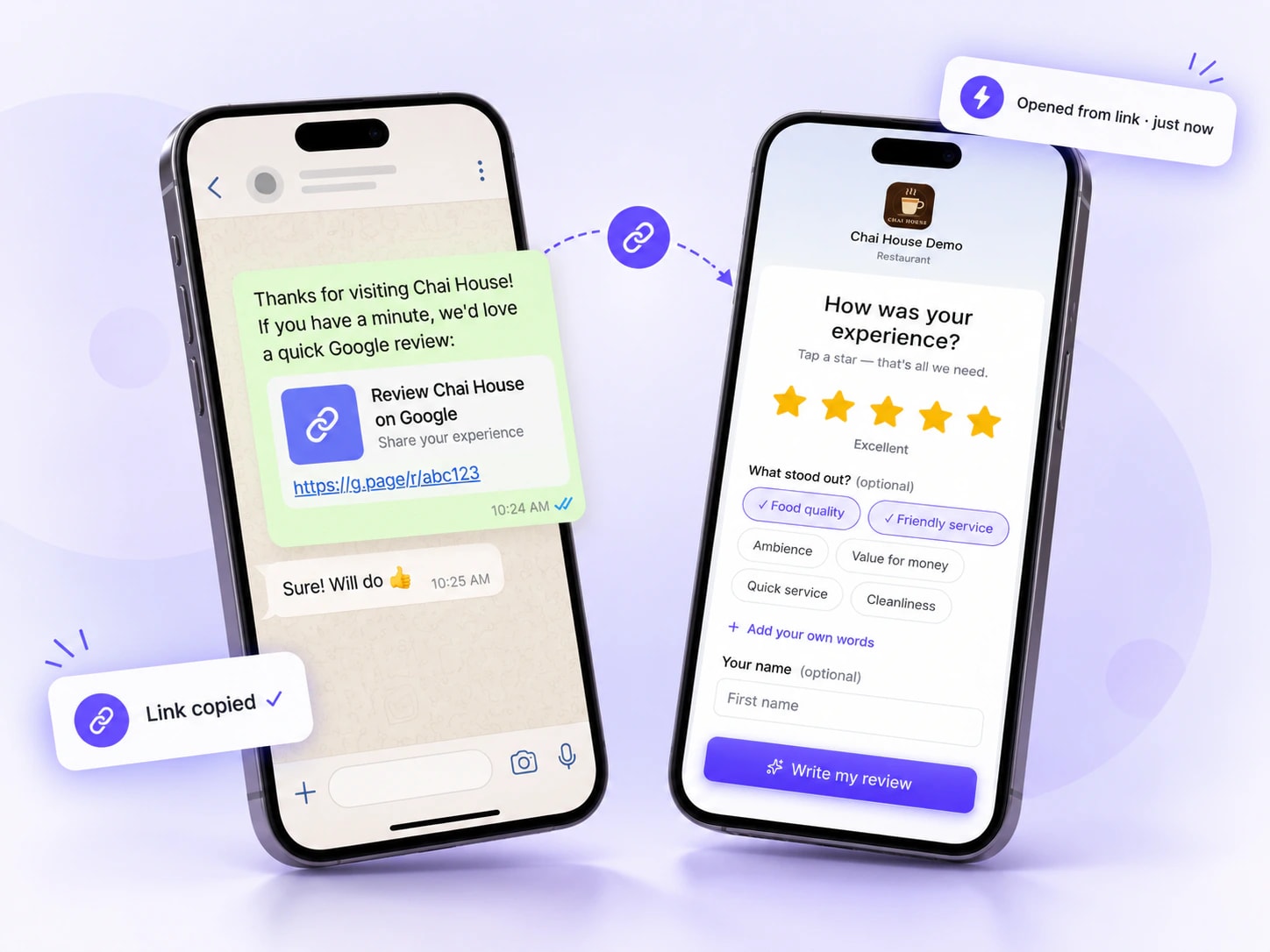
They tap a star rating, then, only if they want, what stood out: “food quality”, “friendly service”, the staff member who helped.
Every question is optional, and they can add a few words of their own.
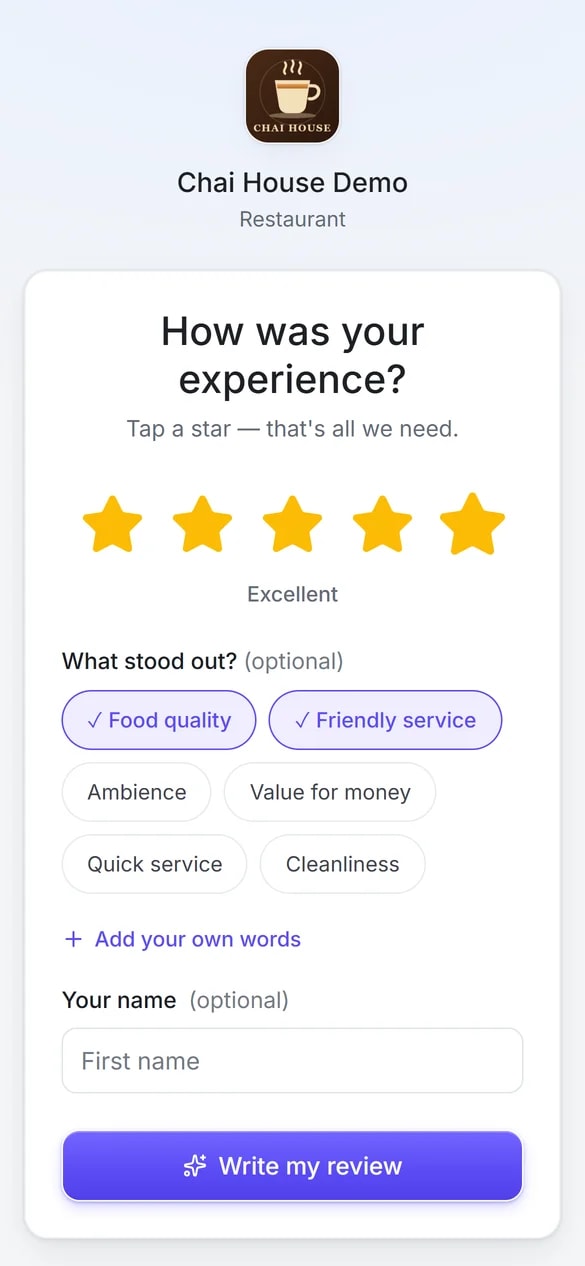
Typing needed
None
Questions
All optional
03 /
The AI turns only their answers into a short, natural review. It never adds a detail they didn't give.
They can edit any word, ask for another version, or write their own instead.
Draft from your answers
Food was really good and the staff were so friendly. Lovely place, will be back 🙏
Built only from
04 /
One tap copies the text and opens your Google review form. They choose their stars, paste and post from their own Google account.
Customers who rate 1–3 stars get the same Google button, plus the choice to tell you privately.
Food was really good and the staff were so friendly…
Rated 1–3 stars?
Private feedback first. Google is always one tap away.
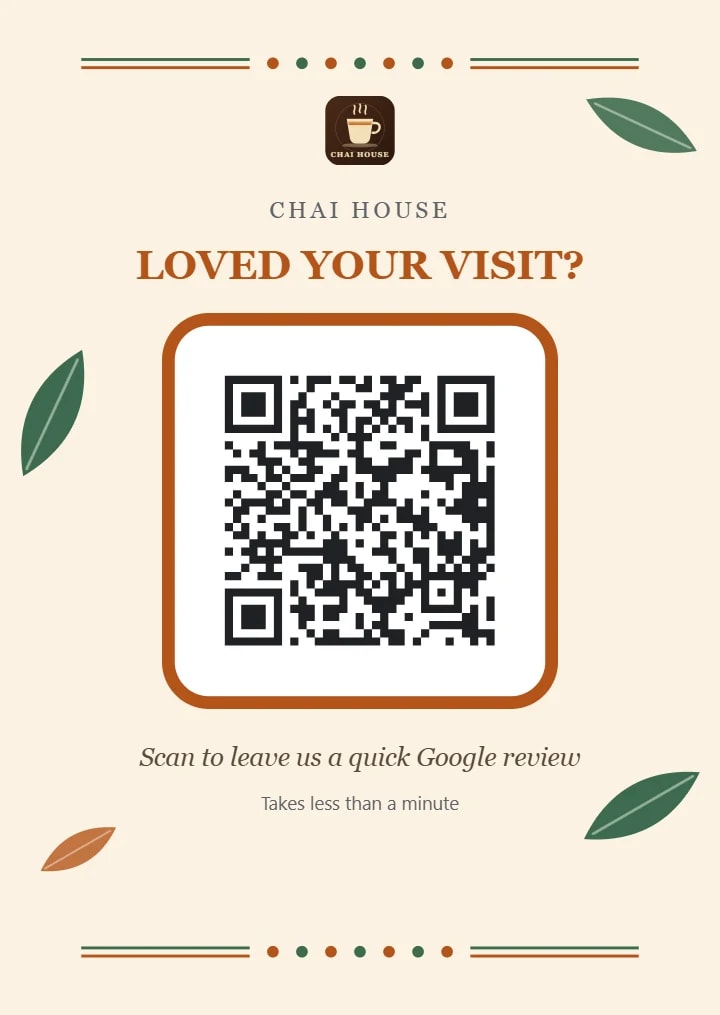
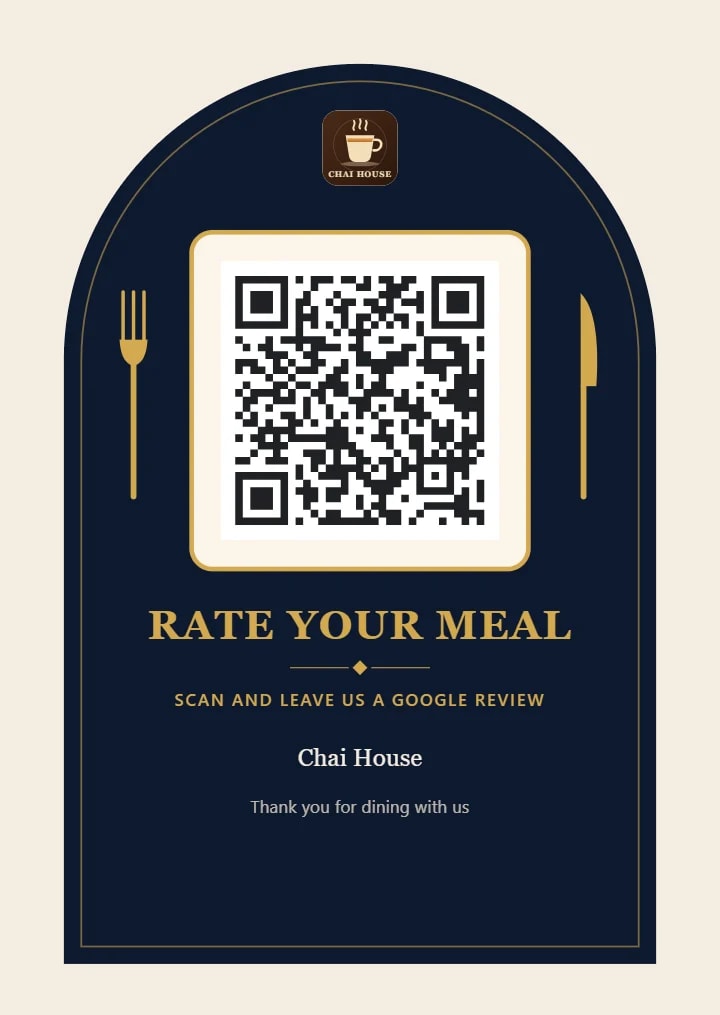
Every design says “review”, not “menu”. Tap one to see it.
6 of 16 designs
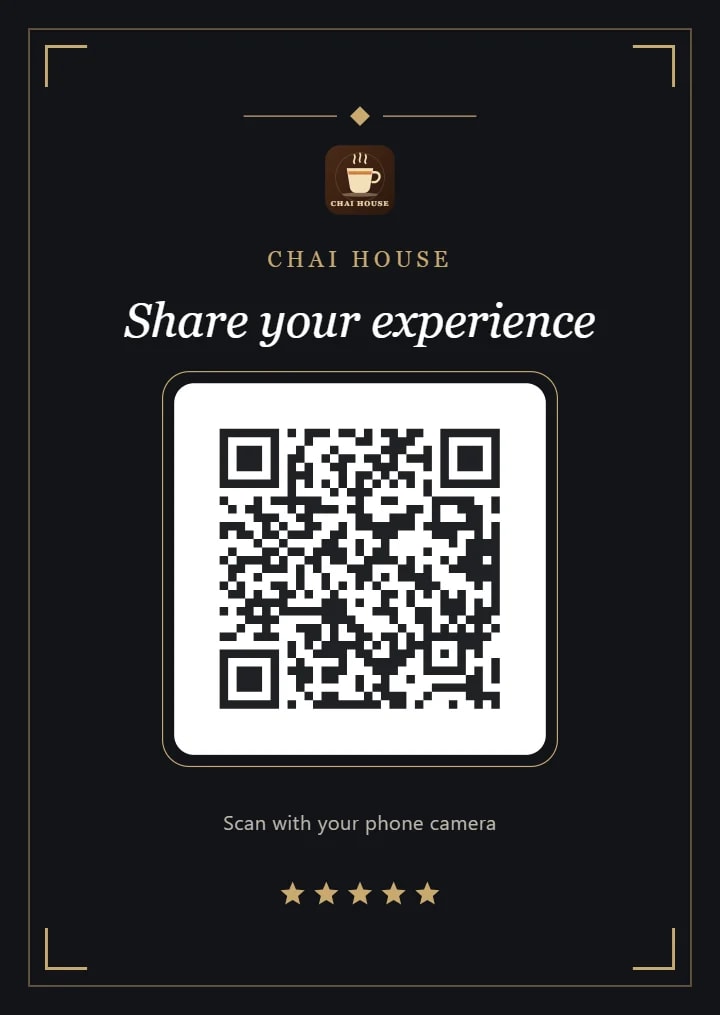
Heritage
Warm and classic, for cafés and restaurants.
Add your logo, colour, headline and a photo of your place. Download as PNG or SVG, or print it on A5.
Sign up, add your Google review link, pick a design and print. All free.
Create a free account
With your email. No card, no trial timer.
Add your review link
Paste your Google review link, or just your Place ID.
Pick a design
Add your logo, colour, headline and a photo.
Download or print
PNG or SVG for your printer, or print it on A5.
Don't have your review link yet? Find it in a minute · Just need a plain QR code? Free generator, no sign-up
You can paste your Google review link into any QR generator. Here's what that misses.
Plain QR code
GrowYourReview QR code
Where customers wait or finish their visit: at eye level, or within reach. Scroll for your type of business.
Also works on visiting cards, flyers, your website footer and your email signature.
About a tenth of the distance people scan from, and never smaller than 3 cm. Drag to check yours.
10 × 10 cm
The smallest size that scans easily from 1.0 m away (3.9 in).
Add clear words
“Enjoyed your visit? Scan to review us on Google” beats a bare code.
Keep contrast
Dark code, light background, a clear margin around it.
Test before printing
Scan the printout with two different phones.
Ask in person too
“We'd love a review, the code is right here.”
Illustrations of a typical setup, not customer stories.
Asking for reviews is fine, and Google encourages it. Keep it honest.
Do
Don’t
Sign up for GrowYourReview for free and paste your Google review link or Place ID. Your review QR code is created straight away. Pick one of 16 printable designs and download it as PNG or SVG, or print it on A5. No card details are needed.
Yes. GrowYourReview's Google review QR code, the 16 printable designs, the AI review writer and the dashboard are free during early access. No card details are needed to sign up.
No. Almost every phone camera reads QR codes on its own: customers point the camera at the code and tap the link that appears. On older Android phones, Google Lens does the same.
GrowYourReview's QR code opens your review page. Customers tap a star rating and what stood out, get a short draft in their own words to edit, then post it on Google from their own account. Customers who rate 1–3 stars get the same Google button, plus the choice to tell you privately.
No. The QR code points to your GrowYourReview page, not straight to Google, so you can update your Google review link in your settings and every printed code keeps working.
At least 3 × 3 cm (about 1.2 inches) for a counter or table, and bigger the further away people stand. A simple rule: make the code about one tenth of the scanning distance, so roughly 10 cm wide for a poster read from one metre away.
Yes. Your dashboard shows visits from the QR code and from the link separately, how many AI drafts were made, how many customers went on to Google, and any private feedback.
Yes. Google encourages businesses to ask customers for reviews. What's not allowed is offering rewards for reviews, writing reviews for customers, or only asking happy customers. GrowYourReview shows the Google option to every customer, whatever their rating.
The Google reviews playbook
Guide 1 of 5
 You're reading
 Up next
Free for local businesses
Customers scan it, tap a few answers and post a Google review in their own words. Pick from 16 printable designs and start collecting reviews this week.
Already have an account? Log in