
Free Google review link generator
Your Google review link, ready to share
A Google review link opens your business's review form in one tap. Paste your Place ID into the free generator to get yours, then share it on WhatsApp, SMS, email or your bills.
Quick answer
How do I get my Google review link?
Sign in to Google, find your business, and choose “Ask for reviews” (sometimes “Share review form”) on your Business Profile, then copy the link. Not the owner, or can't sign in? Find your Place ID with Google's Place ID Finder and paste it into the free generator below to build the link. Then share it on WhatsApp, SMS, email or your bills, after testing it once in a private window.
Free tool
Get your review link in seconds
Paste your Google Place ID and the generator builds your review link. Or paste a link you already have to check it. Then copy it, test it, or share it on WhatsApp.
Need a QR code for it? Free review QR generator · All free tools
Free review link generator
Paste a Place ID or a review link
Works in your browser only. Nothing you type is sent to us.
- Free generatorPaste your Place ID, get your link
- Works on any phoneOpens in the browser
- Share anywhereWhatsApp, SMS, email, web
- Pairs with a QR codeSame page, in person
What is a Google review link?
A Google review link is a short web address that opens the “write a review” box for your Google Business Profile. Customers land straight on your star rating and review form, without searching for your business or hunting for the button.
It comes in two formats: the short g.page/r/…/review link from your Business Profile, and a longer one built from your Place ID. Both open the same form, and every business with a Google Business Profile has one, for free.
Tap a part of the link
CabcdEFGhij
Your business's unique code. This is the part that's yours.
Both formats open the same review form.
How to get your Google review link
Two ways, both free. Pick the one that suits you.
- 1
Sign in to Google
Use the account that owns or manages your Business Profile.
- 2
Search your business
On Google Search or Maps. Your profile shows owner options.
- 3
Choose “Ask for reviews”
Sometimes called “Get more reviews” or “Share review form”.
- 4
Copy the link
It usually starts with g.page/r/. That's your review link.
- 1
Open the Place ID Finder
Google's free tool on its developer site, with a map.
- 2
Find your business
Type your business name and pick it on the map.
- 3
Copy the Place ID
A code that usually starts with “ChIJ”.
- 4
Paste it in the generator
At the top of this page. It builds your link instantly.
Google's Place ID Finder · Back to the generator · Always test your link in a private window before sharing.
Where to share your link
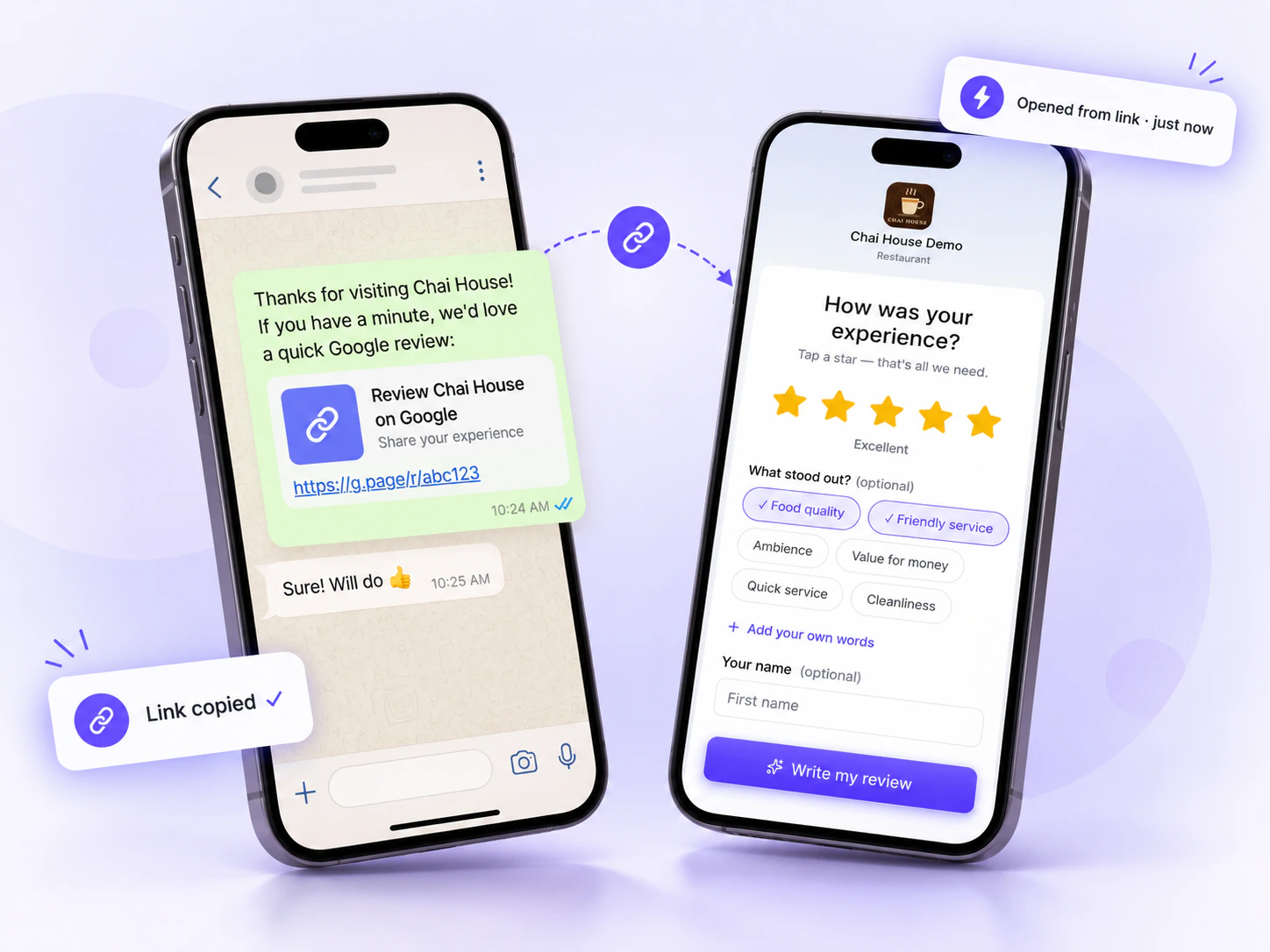
Anywhere you already talk to customers after a visit. One tap takes them to your review page.
- WhatsApp thank-you messages
- SMS with the bill
- Booking confirmations
- Email receipts and invoices
- Your Instagram bio
- Your website and email signature
QR code or link?
They do the same job in different places. Most businesses use both.
QR code
- Best for
- Counter, tables, bills, packaging
- How it opens
- Point the phone camera at it
- When
- During or right after the visit
- Needs
- Printing
Review link
- Best for
- WhatsApp, SMS, email, website
- How it opens
- One tap
- When
- Within a few hours of the visit
- Needs
- The customer's number or email
Make your link work harder
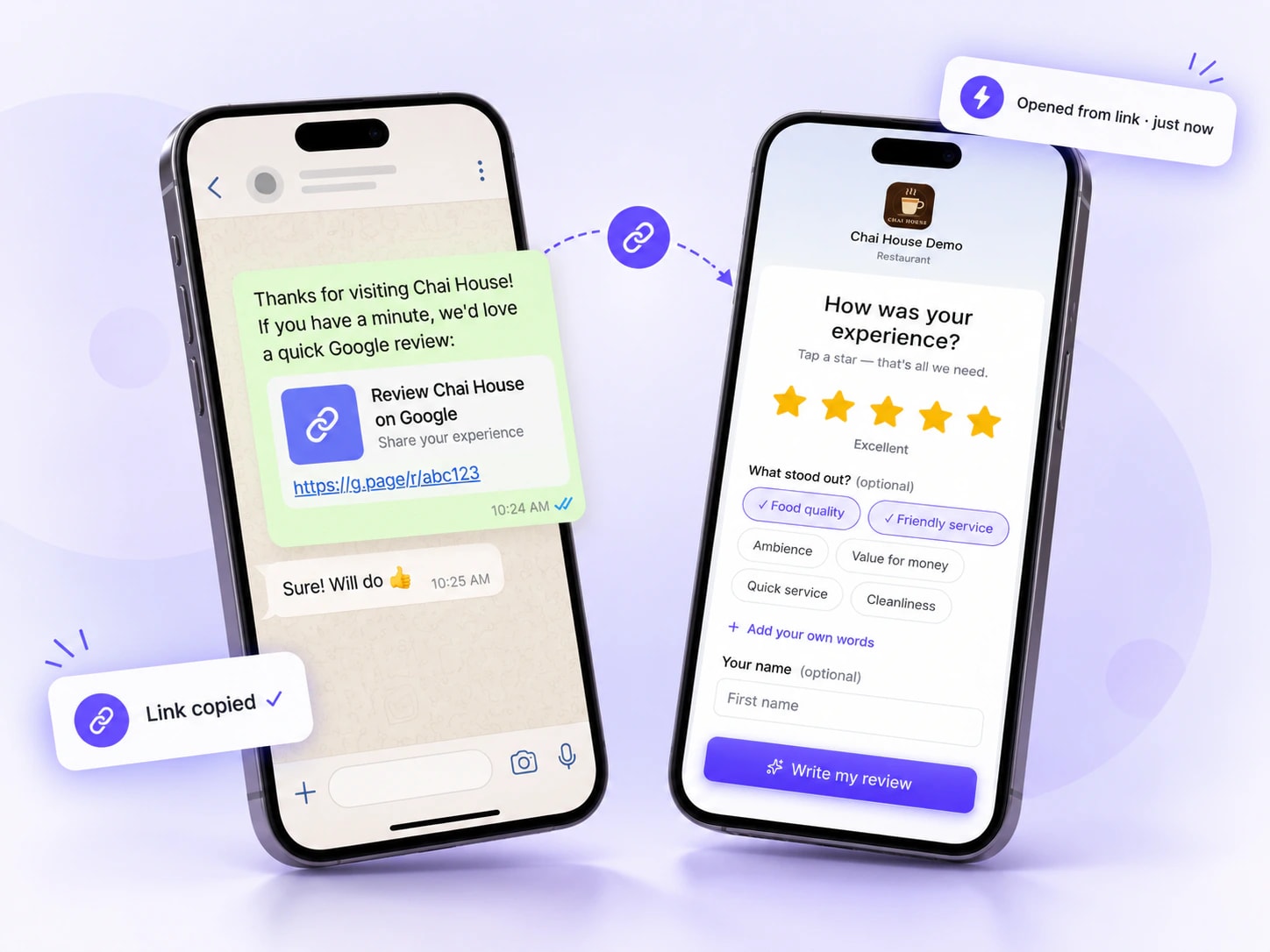
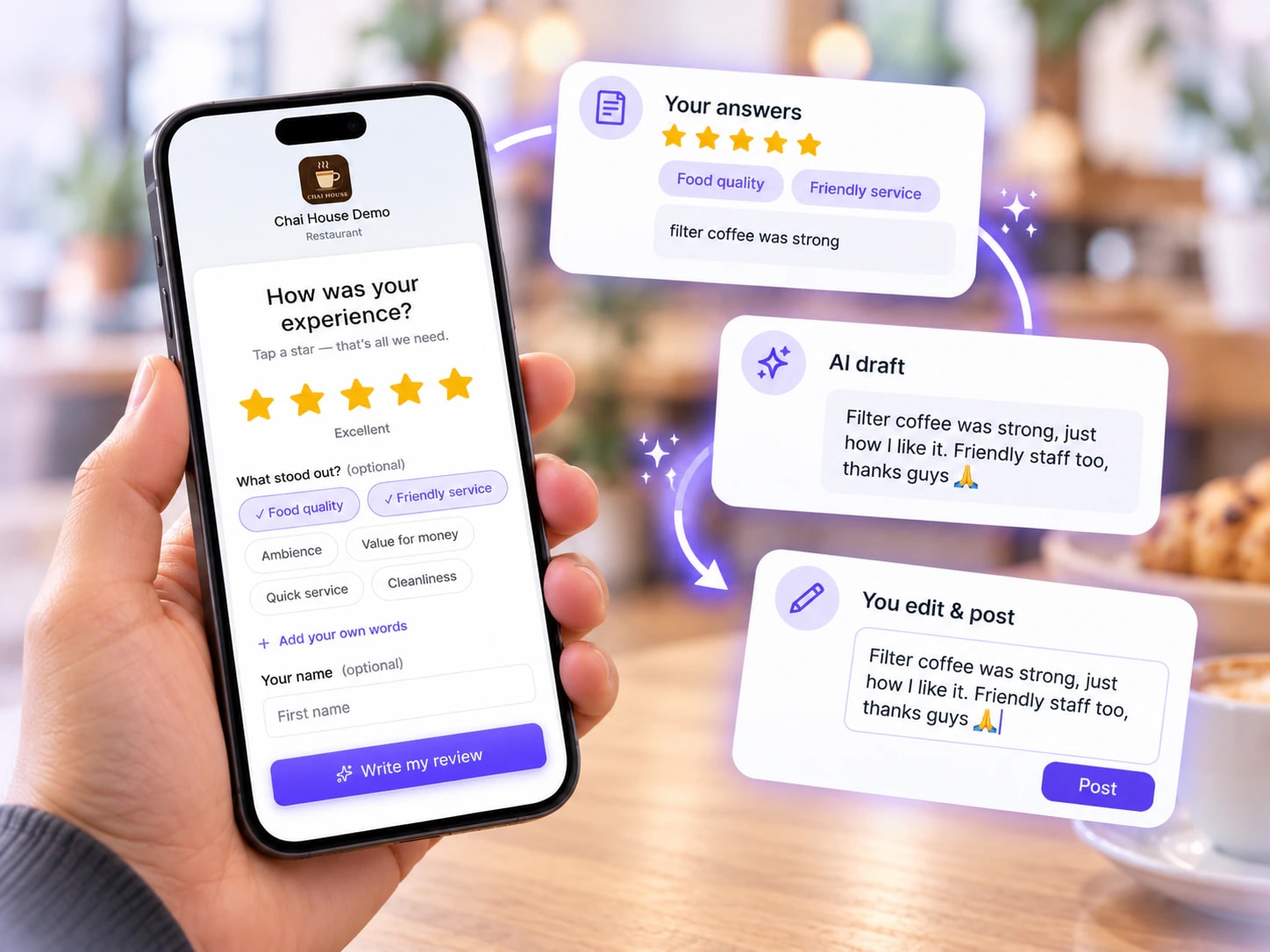
A plain link opens an empty review box, and many customers close it. GrowYourReview gives you one link that opens your review page first.
AI writing help
A draft from the customer's own answers. How it works
Private feedback
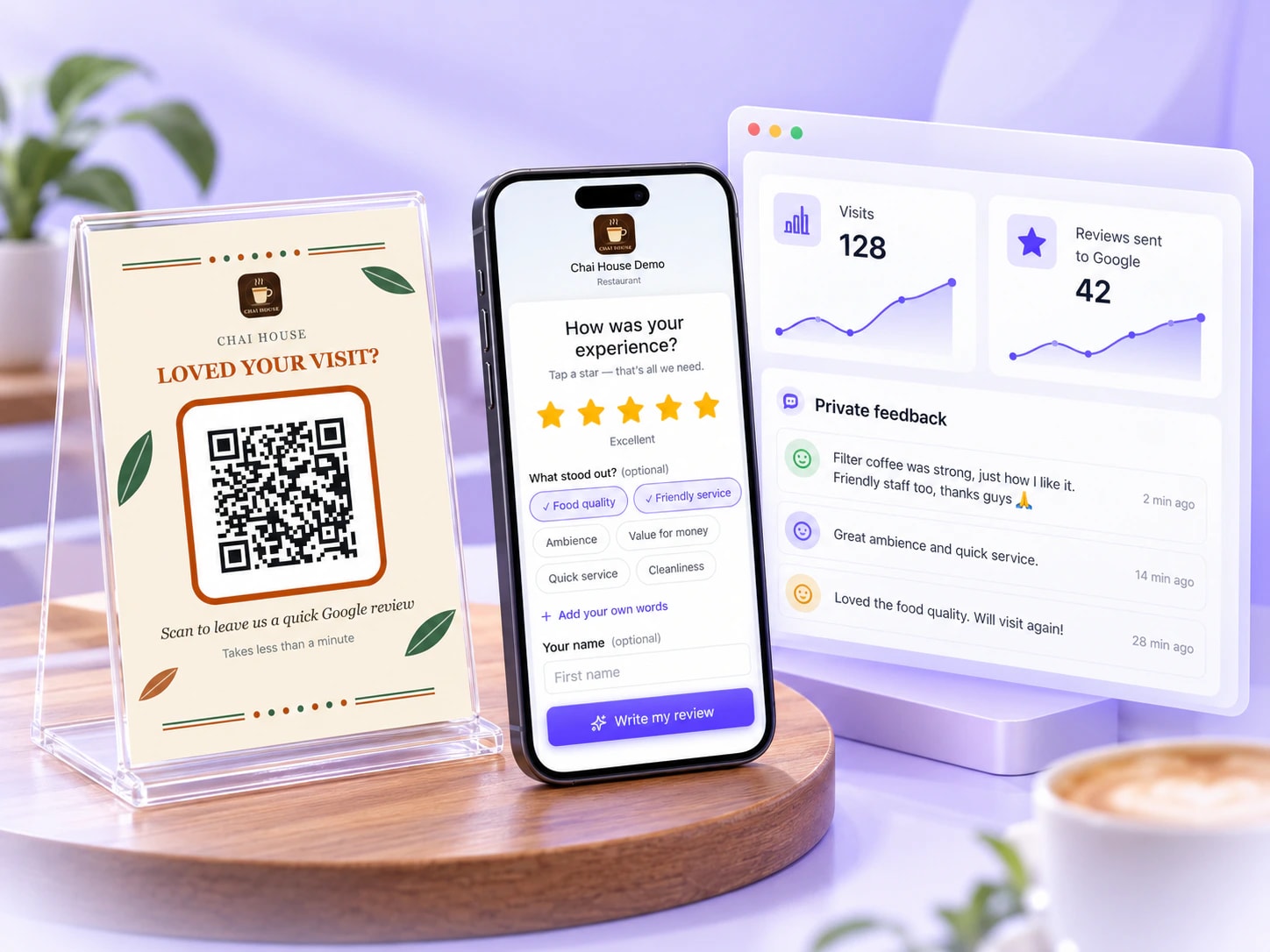
Unhappy customers can tell you first, and can still post on Google.
Never breaks
Change your Google link once; every link and QR you shared keeps working.
See what works
Visits from the link and from the QR code, counted separately.
What is a Google review link?
A Google review link is a web address that opens the review form for your Google Business Profile. Customers who tap it can rate your business and write a review without searching for you on Google first. It usually looks like g.page/r/…/review or search.google.com/local/writereview?placeid=….
How do I find my Google review link?
Sign in to the Google account that manages your Business Profile, search for your business name on Google, and choose “Ask for reviews” (sometimes called “Get more reviews”) in your profile. Copy the link it shows. You can also build the link from your Place ID with the free generator on this page.
How do I share my Google review link?
Send it in a short thank-you message soon after the visit: on WhatsApp, by SMS or by email. Add it to receipts, booking confirmations, your Instagram bio and your website too. Keep the message short, use the customer's name, and send it once. In your GrowYourReview dashboard, ready WhatsApp, SMS and email messages come with your link filled in.
What is a Google Place ID?
A Place ID is Google's unique code for a place on Google Maps, usually starting with “ChIJ”. You can look it up with Google's free Place ID Finder, then turn it into a review link by adding it to the end of https://search.google.com/local/writereview?placeid=.
Is the Google review link free?
Yes. Google gives every Business Profile a review link at no cost, and the generator on this page is free. GrowYourReview, which adds a QR code, AI writing help and private feedback on top of your link, is free during early access too (you create an account with your email, no card needed).
Should I use a QR code or a link?
Use both. A QR code works best in person (counter, tables, bills) and a link works best online (WhatsApp, SMS, email, your website). With GrowYourReview, both open the same review page, and your dashboard shows which one brought each visit.
Can I send my review link to every customer?
Yes, as long as you send it to customers in general, not only to the ones you expect to be happy, and you don't offer anything in return for a review. Send it once, soon after the visit, and don't chase people repeatedly.
The Google reviews playbook
Up next: AI Review Writer
Guide 3 of 5
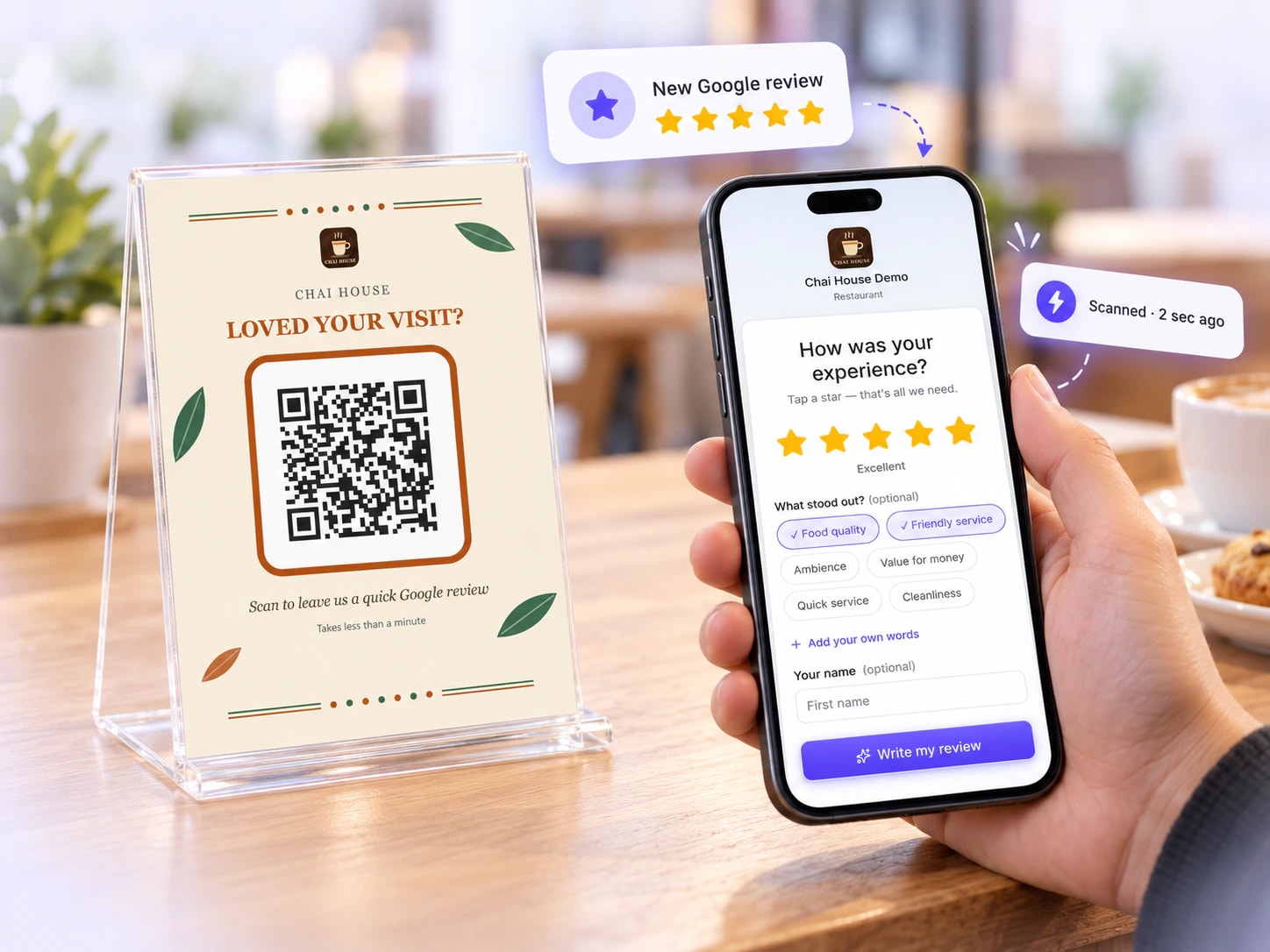 01Google Review QR CodeCreate a free QR code customers scan to leave a Google review.Read guide
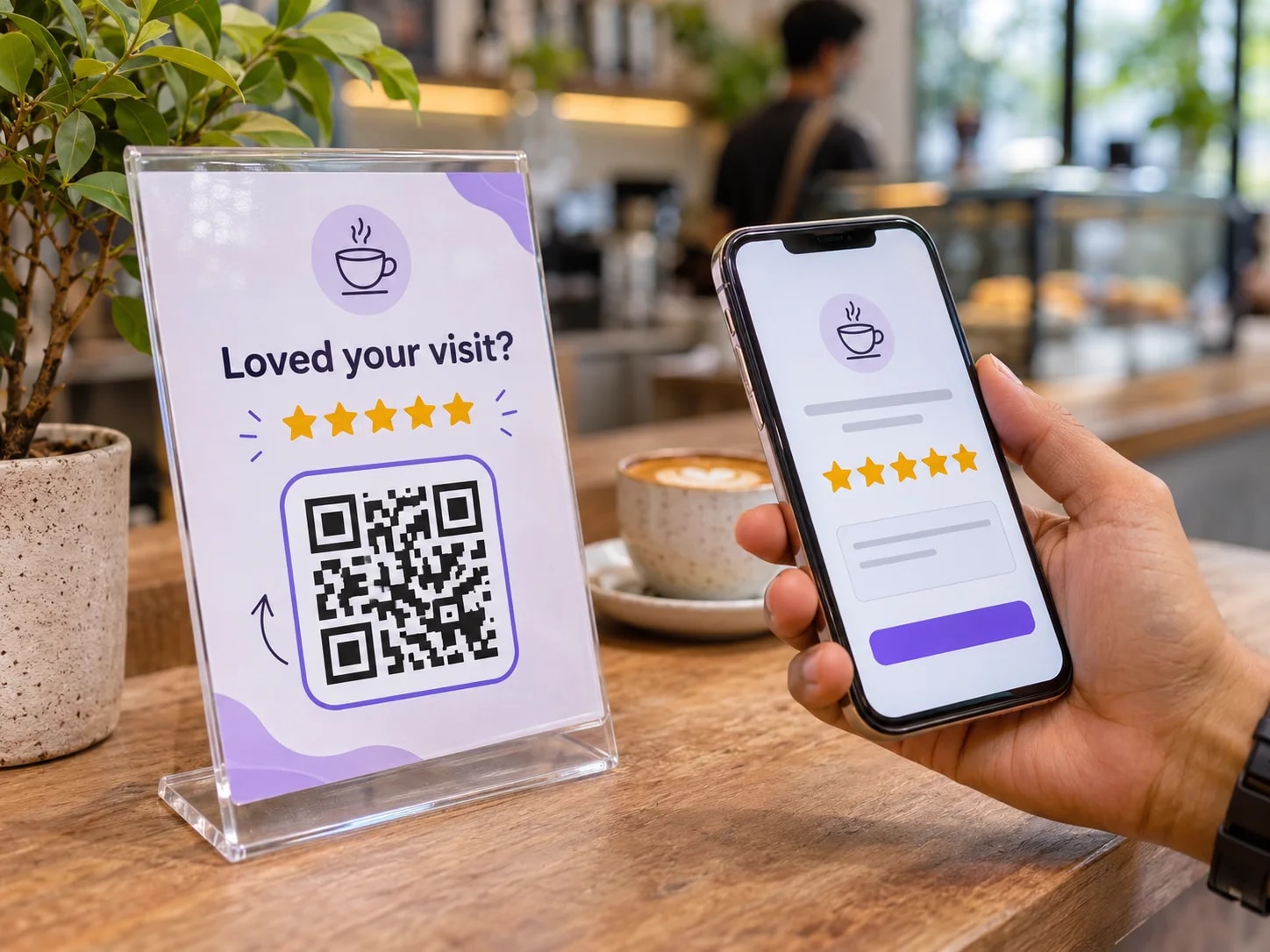 02Google Review CardFree printable review cards, plus how to make an NFC card.Read guide
 You're reading03Google Review LinkFind your review link and share it on WhatsApp, SMS and email.
 Up next04AI Review WriterHow AI helps customers put their own experience into words.Read guide
 05Google Review GeneratorHonest, AI-assisted review writing, never fake reviews.Read guide
Free for local businesses
Turn your review link into more reviews
One free account gives you your review link, a printable QR code, and ready WhatsApp, SMS and email messages with your link filled in.
- Free during early access
- No card needed
- Set up in 2 minutes
Already have an account? Log in