
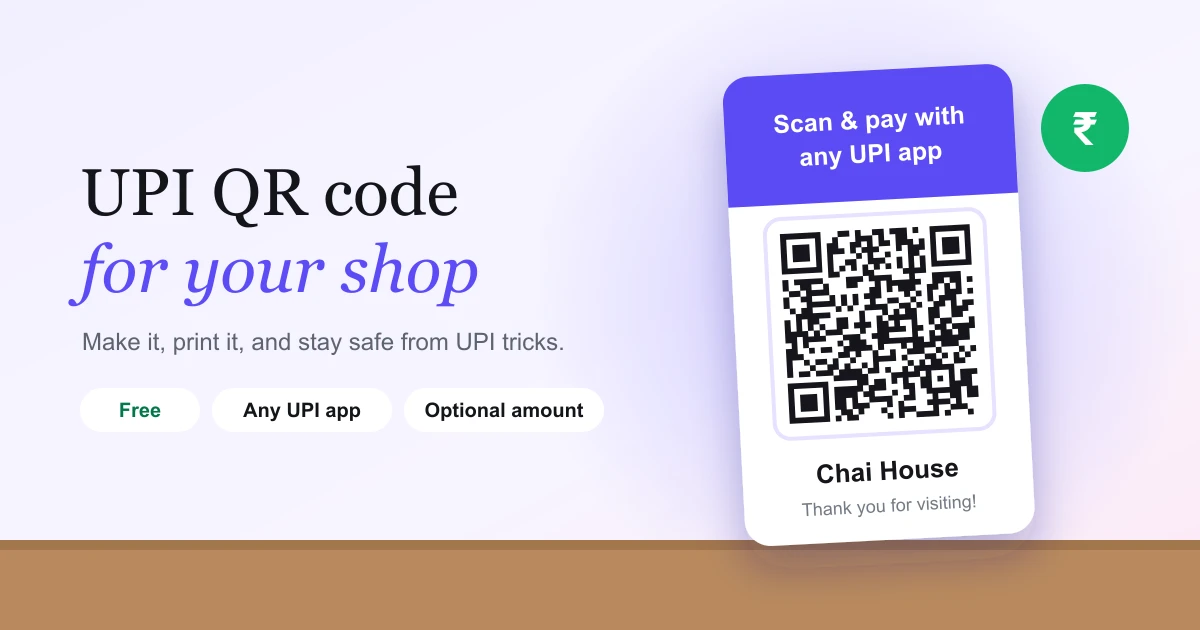
A UPI QR code on your counter lets customers pay in seconds with any UPI app, without typing your number or UPI ID. Making one is free and takes about a minute. This guide covers how to make it, how to print it so it scans every time, and how to protect yourself from the most common UPI tricks.
What you need
- Your UPI ID (also called VPA), which looks like yourname@okbank. You'll find it in your UPI app's profile.
- The name customers should see, usually your shop name or account name.
- Optional: a fixed amount, if the code is for one price only.
How to make a UPI QR code, step by step
- Open the free UPI QR code generator. It runs in your browser, and your UPI ID isn't sent anywhere or saved.
- Enter your UPI ID and the name to show.
- Leave the amount empty for a counter code customers can use for any amount, or add an amount for a fixed price.
- Scan the code with your own UPI app and check that your name and UPI ID appear correctly.
- Download it as PNG or SVG, or as a print-ready card with "Scan & pay with any UPI app" on it.
Most banks and UPI apps also give you a QR code in the app. A generator is handy when you want a print-ready card, a fixed amount, or your shop name in large letters.
Fixed amount or open amount?
Open amount (no amount in the code) suits a shop counter: customers type what they owe. Fixed amount suits a single item, like a ₹30 chai or a ₹500 entry fee, so customers can't enter the wrong number.
How to print it so it always scans
- Size: at least 4–5 cm wide on the counter. Bigger if customers scan from further away.
- Contrast: a dark code on a white background, with a clear white border around it.
- Finish: matte rather than glossy, so shop lights don't cause glare.
- Test: scan the printed copy with two different phones before you put it out.
Where to put it
- Next to the till or card machine, at eye level.
- On each table in a café, so customers can pay without waiting.
- At the bottom of your bills and invoices.
- On a small card your delivery staff can show at the door.
Stay safe: common UPI tricks shopkeepers face
You never need your UPI PIN to receive money. Only the person paying enters a PIN, on their own phone. Anyone asking you to enter your PIN or scan a code "to receive money" is trying to take money from you.
- Check the payment arrived in your UPI app or bank before handing over goods. Don't rely on a screenshot shown by the customer.
- Check your printed code regularly. Make sure nobody has stuck their own QR sticker over yours.
- Don't share OTPs or open "refund" links from strangers.
- For many daily payments, ask your bank or UPI app about a business (merchant) account, which is built for shops.
One counter, two codes
Customers who just paid happily are also the best people to ask for a Google review. Many shops put a small review QR code next to the payment code: "Paid? Tell us how we did." You can make a free Google review QR code in the same way, and our guide on getting more Google reviews explains what to say.
Common questions
Is it free to make a UPI QR code?
Yes. Generating the code is free. Payments go straight to your UPI ID through the customer's UPI app.
Which apps can scan it?
Any UPI app that scans UPI QR codes, such as Google Pay, PhonePe, Paytm or BHIM.
GrowYourReview also gives local shops a free review QR code, so the customers who just paid you can tell others on Google how good your shop is.
Make your free UPI QR code