Most happy diners never leave a Google review. Not because they didn't enjoy the meal, but because nobody asked, and finding the review button on Google takes too long. The restaurants with hundreds of reviews aren't luckier. They simply ask every guest, at the right moment, in a way that takes seconds.
Reviews matter for more than reputation. Google says local results are based on relevance, distance and prominence, and that more reviews and positive ratings can help a business's local ranking. When someone nearby searches for "cafe near me", your reviews are part of why you show up.
Here are ten ideas that work for restaurants, cafés, bakeries and cloud kitchens.
1. Put a review QR code on every table
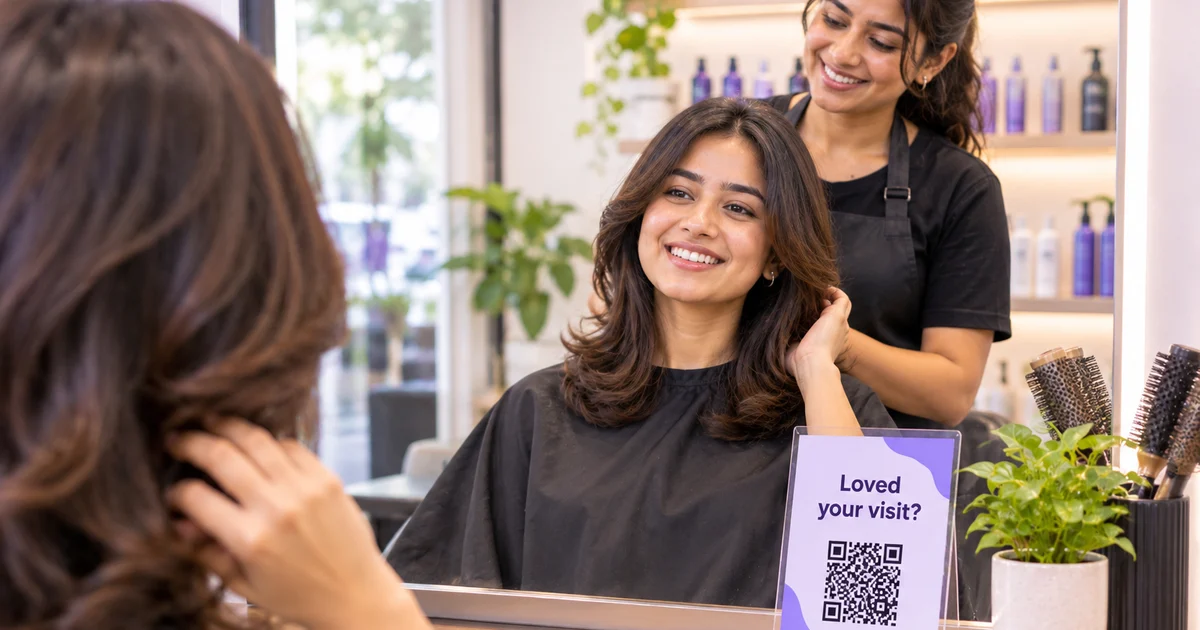
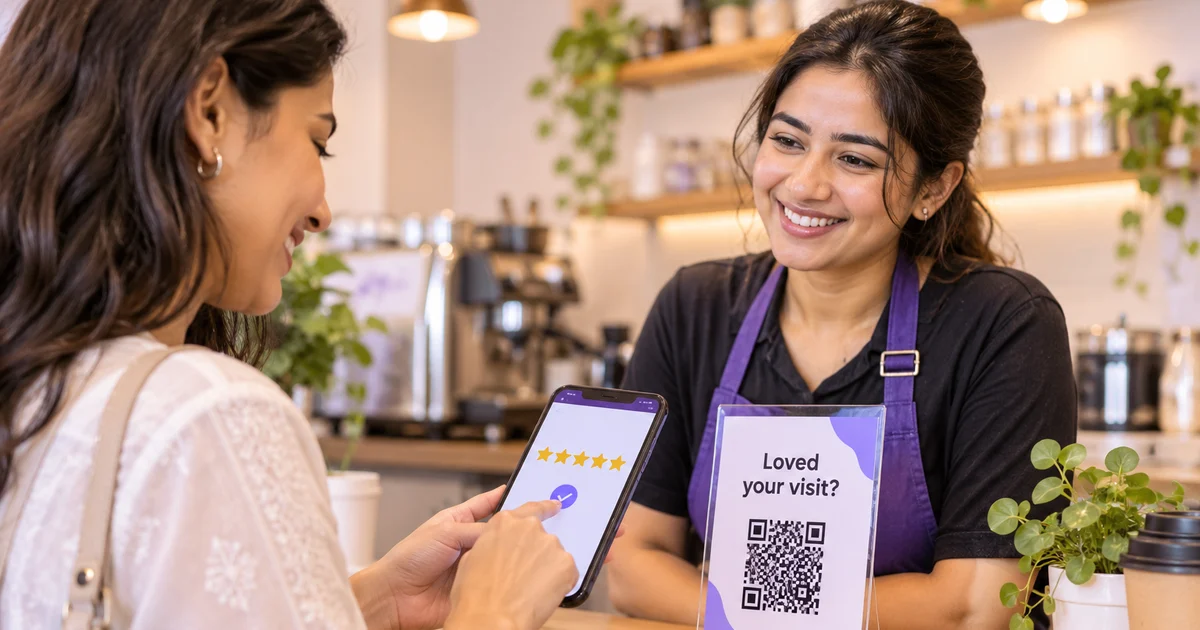
A small table tent with "Loved your meal? Tell us on Google" and a QR code is the single most effective change most restaurants can make. Guests often have a minute while they wait for the bill, and their phone is already in their hand.
Keep the code at least 3 cm wide, use a matte finish so lights don't cause glare, and test it with two different phones before you print. You can make a free Google review QR code or pick a printable review card design.
2. Add the code to the bill folder
The bill is the natural end of the visit. Slide a small card with the QR code into the bill folder, or print it at the bottom of the bill. Guests who didn't notice the table tent will see it here.
3. Ask with one friendly sentence
A printed code works better when a person mentions it. Train staff to say one line when they bring the bill, and then let it go:
"If you enjoyed it, a quick Google review really helps us. The code is right here."
No pressure, no repeating. Google's policies say businesses shouldn't pressure customers to leave reviews while they're on the premises, so keep it light.
4. Send a WhatsApp thank-you for orders
For takeaway, delivery and table bookings, you usually have the customer's number. Send one short thank-you message the same day with your review link:
"Hi Priya! Thanks for ordering from Chai House today. If you have a minute, we'd love a quick Google review: [link]. It really helps us!"
Use our free review request message generator to make one for WhatsApp, SMS or email with your link filled in.
5. Put a sticker in takeaway bags
Delivery customers never see your table tents. A small sticker or card in the bag with the review QR code reaches them at home, often while they're eating.
6. Make writing the review easy
Many guests open the review box and stop at the empty text field. Suggest what they could mention, like their favourite dish or the staff member who served them. An AI review writer can also turn a guest's own taps and words into a short draft that they edit and post themselves.
Whatever helps guests write, the review must stay theirs: their own experience, posted from their own Google account. Never write reviews for guests.
7. Ask every guest, not only the happy-looking ones
It's tempting to only hand the card to tables that seem delighted. Don't. Google's policies don't allow selectively asking for positive reviews. Asking everyone is also better for you: unhappy guests who feel heard often tell you what to fix.
8. Never offer a discount for a review
"10% off your next visit for a review" sounds harmless, but Google prohibits offering incentives for reviews, and reviews posted because of an incentive can be removed. Ask, thank, and leave it there.
9. Reply to every review
Thank guests who leave good reviews by name, and answer complaints calmly with an offer to put things right. Future guests read your replies. Our guide on how to respond to negative Google reviews has example replies, and the free review reply generator drafts one in seconds.
10. Set a target and track it
Pick a realistic goal, like going from 4.2 to 4.5 stars, and check how many reviews that takes with the free Google review calculator. Then count how many reviews you get each week, and notice which tables, staff or messages bring the most.
A simple weekly routine
- Every table: a QR table tent, checked once a week so none are missing or damaged.
- Every bill: the code in the folder, and one line from staff.
- Every order: one WhatsApp thank-you with the link, the same day.
- Every review: a reply within a day or two.
Start with just two changes this week: QR codes on the tables and one line from staff at the bill. Most restaurants see the difference quickly.
Common questions
How many Google reviews does a restaurant need?
There's no magic number, but more recent reviews from real guests help both your ranking and new customers' trust. Aim for a steady flow every week rather than a burst once a year.
Can I ask my staff to leave reviews?
No. Google's policies prohibit reviews with a conflict of interest, which includes current and former employees. Reviews should come only from real guests.
GrowYourReview gives restaurants a free review QR code for every table, AI writing help for guests, private feedback from unhappy guests, and a dashboard to track it all.
Get your free review QR code